A shattered screen on an iPhone 17 Pro Max can be stressful—but once the repair options are clear, the decision becomes straightforward. Whether someone prefers the simplicity of Apple’s official service or feels comfortable grabbing a mobile repair tool kit and handling the job personally, the right approach really comes down to budget, skill level, and how quickly the device needs to be back in service. This article will introduce you to the cost of replacing an iPhone 17 Pro Max screen, what affects that cost, and the tools and steps needed for DIY repair.
I. Understanding the Repair Cost
The final cost of replacing an iPhone 17 Pro Max screen depends primarily on whether you have AppleCare+ coverage. Below is a breakdown of the main options:
1. With AppleCare+
$29 per incident. AppleCare+ for Pro models costs $13.99/month or $139.99 annually. Coverage includes unlimited accidental damage repairs ($29 for screen, $99 for other damage). A single screen replacement effectively covers the annual plan cost.
2. Without AppleCare+ (Out-of-Warranty)
$379 (approx. 3,198 yuan in China). This is $50 higher than the standard iPhone 17 and Pro models, reflecting the larger 6.9-inch OLED panel and advanced display technology. If internal components are also damaged, Apple reclassifies the repair under “other damage,” starting at $799.
3. Apple Self Service Repair Program
Genuine display assembly: $379 (labor self-performed). Tool rental: $49 for 7 days, including a display press, adhesive cutter, and YCS M.Y-TX01 Torque Screwdriver. Best suited for experienced DIYers with or willing to invest in quality mobile phone tools.
4. Independent Repair Shops
Typical range: $200–$280, depending on whether the shop uses OEM-equivalent or premium aftermarket iPhone 17 Pro Max Screen assemblies. Many shops offer a limited warranty (30–90 days) on parts and labor.

II. What Influences the Final Price
Several factors can push the final repair cost higher than the base screen replacement fee:
1. Display Complexity: The Pro Max screen houses ProMotion 120Hz, an anti-reflective coating, and a delicate ambient light sensor. Improper handling during repair can damage associated flex cables, adding extra parts and labor.
2. Hidden Internal Damage: Impact forces often affect the battery connector cowling, iPhone flex cables, or logic board. If additional components are compromised, repair costs increase accordingly.
3. Battery Replacement Opportunity: Since the device is already opened, replacing the battery ($119 separately) at the same time can save on future labor fees, though it raises the immediate total.
III. Comparing Service Channels: Official vs. Independent
You have three main paths: Apple/authorized providers, independent repair shops, and self-service.
· Apple and Authorized Providers
The $379 price guarantees a genuine Apple display, calibrated with proprietary software to retain True Tone and auto-brightness. Turnaround is often same-day at Apple Stores, but the cost is fixed and there’s little flexibility for combining repairs.
· Independent Repair Shops
A reputable independent shop offers a balance of quality and value. Using high-grade components—such as the iPhone 17 Pro Max Screen Assembly sourced from trusted suppliers—can bring the total cost down to the $200–$280 range. The key is finding a technician who uses a stereo microscope, reliable parts, and properly transfers the earpiece and proximity sensor to maintain full functionality.
IV. The Self-Service Path: Costs and Procedure
For experienced DIYers, Apple’s Self Service Repair program—expanded to the iPhone 17 lineup in late 2025—provides a third option. A genuine Display assembly costs the same $379 as Apple’s out-of-warranty service, but you supply the labor.
1. Tools and Accessories:
A successful self-repair starts with having the right gear. You can either rent Apple’s official toolkit ($49 for 7 days) or build your own setup using quality phone repair kits and individual tools.
· Display Assembly: Choose a genuine Apple part or a high-grade aftermarket iPhone 17 Pro Max Screen. Look for one with pre-installed flex cables and the earpiece speaker bracket attached to reduce component transfer work.
· Display Adhesive: A single-use precision-cut adhesive is essential for maintaining IP68 water and dust resistance.
· Display Press: Applies even pressure to bond the adhesive properly. Apple’s rental kit includes one; manual clamp-style presses also work.
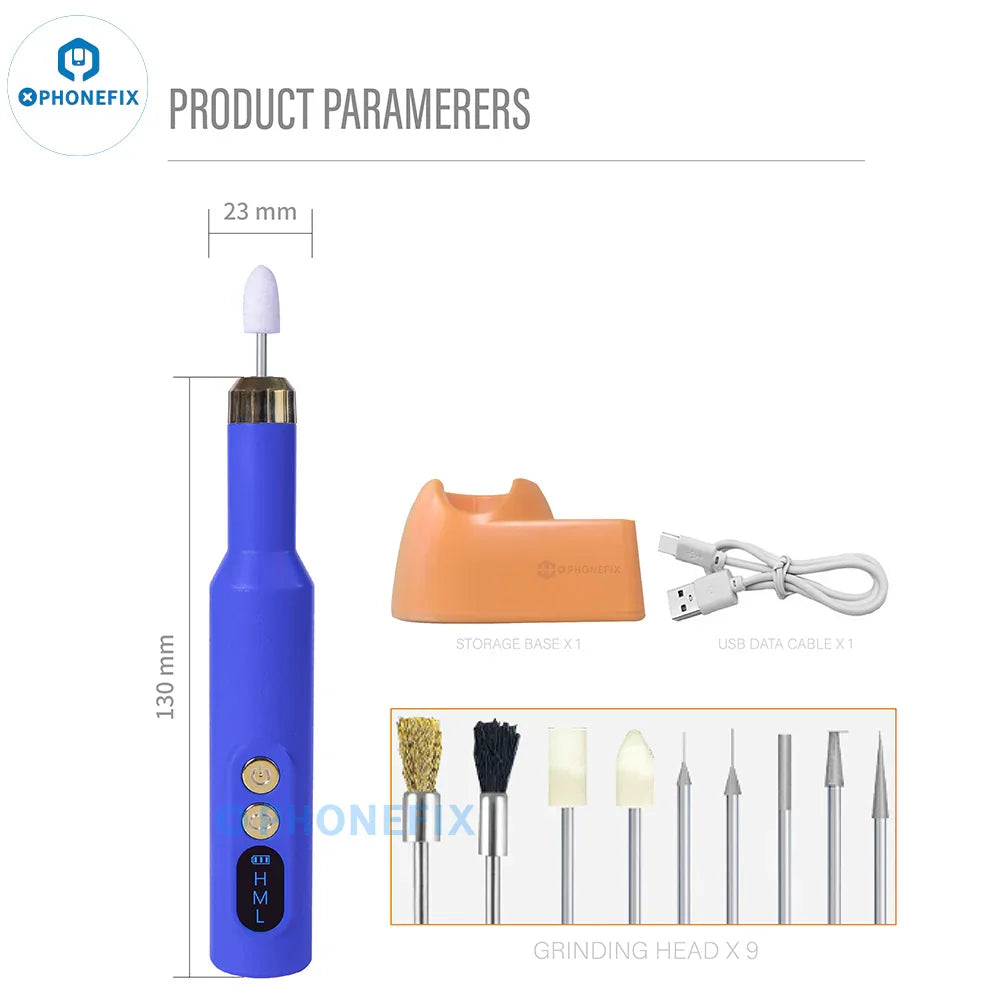
· Adhesive Cutter / Removal Tool: Soft picks or a rotary tool designed to dissolve factory adhesive, allowing clean opening without prying damage.
· Torque Drivers: Torque drivers (0.45–0.75 kgf cm) prevent over-tightening and stripped screws. A quality mobile repairing tools set will include the correct bits.
· Heating Equipment: A heat mat (80–90°C) or a temperature-controlled hair dryer to soften the original adhesive evenly.
· Opening Tools: A heavy-duty suction cup with pull-ring, a set of flexible picks (10–12 recommended), and nylon spudgers for disconnecting flex cables safely.
· Organizational Aids: A magnetic mat or labeled screw tray; the Pro Max uses over 20 screw types, and mixing them can cause damage.
· JC V1SE Programmer: Required to restore True Tone and auto-brightness on non-Apple screens. A screen programmer copies serialized data from the original display.

2. DIY Replacement Steps:
· Preparation: Power off the device and remove the two bottom screws. Apply heat to soften the adhesive seal.
· Opening: Use a YIHUA 946D-III Suction Cup Separator and a thin pick to carefully separate the display from the frame, cutting through the adhesive without damaging internal flex cables.
· Component Transfer: Remove the ambient light sensor, earpiece speaker, and proximity sensor from the original display and install them onto the new assembly.
· Adhesive Application: Clean the frame thoroughly and apply a new display adhesive to ensure water resistance.
· Final Assembly: Connect the new screen, press it into place, and apply even pressure—ideally with a display press—to activate the adhesive.
· Testing: Power on and verify touch sensitivity, True Tone functionality, Face ID, and brightness sensors.
This process is not for beginners. Apple’s official repair manual runs over 60 steps, and the larger chassis of the Pro Max increases the risk of tearing flex cables. If you choose the self-service route, source your components carefully: a reliable iPhone screen from a trusted vendor will arrive with the necessary flex cables and adhesive pre-applied, minimizing potential pitfalls.
Whether you choose Apple’s official service, a trusted independent shop, or the self-repair route, the goal is the same: restore your Pro Max to like-new condition without unnecessary expense. A successful repair starts with the right parts and the proper Mobile Phone Tools—invest in quality, and your device will reward you with years of reliable service.