
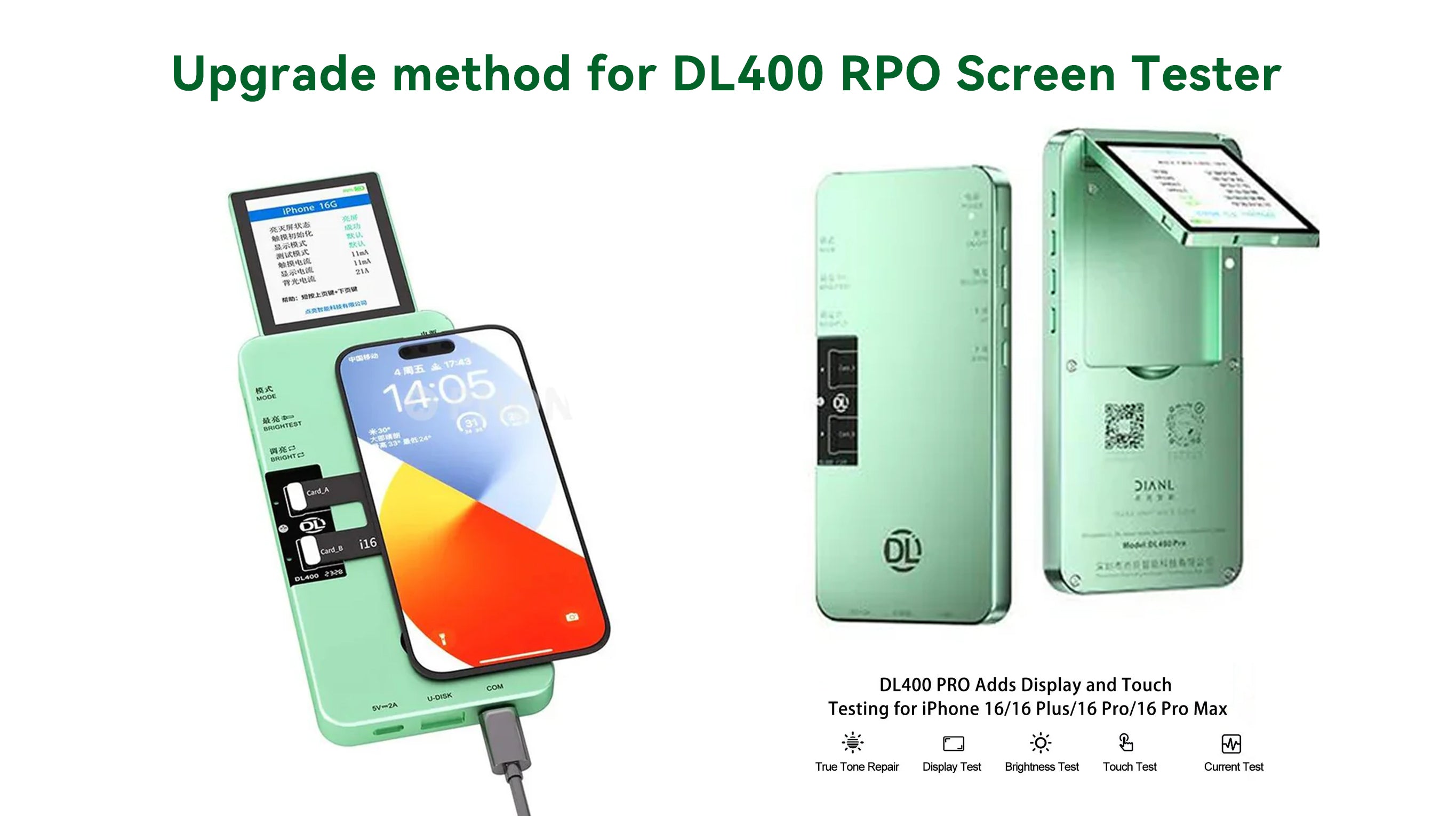
Why do we need to upgrade the DL400 Pro Screen Tester software? Upgrading the DL400 PRO software version will update support for testing new mobile phone and iPhone screen models and resolve some compatibility issues, making mobile phone screen testing simpler and more efficient, and improving mobile phone repair efficiency. You can get the free upgrade software and installation instructions for the DL400 Pro screen tester shared by China Phonefix in this article.

How to Upgrade the DL400 Pro Screen Tester Software?
1. Download the latest software installation package. After successful download, extract the software upgrade installation package.
2. Copy the extracted files to an 8GB FAT32 formatted USB flash drive.
To check the USB flash drive format: Right-click the USB flash drive, select Properties - General - File System, and ensure the file system is FAT32. If not, format the USB flash drive: Right-click the USB flash drive - Format, change the file system to FAT32, and then click Start and wait for the formatting to complete.
3. Upgrade steps: With the DL400 Pro screen tester powered off, first insert the USB flash drive containing the extracted upgrade data, then connect the charging cable and power on the DL400 Pro. You will see the upgrade light flashing, indicating that the upgrade is in progress. A solid upgrade light on the DL400PRO indicates a successful upgrade.
4. Press the Restore button to check the version information and confirm a successful upgrade.
5. Finally, unplug the USB flash drive and then disconnect the power cable. The device is now ready to use.
Since the software is continuously updated, please find the latest software download link in the DL400 Pro product description: https://bit.ly/48lH6go
DL400 Pro software upgrade operation video: https://youtu.be/uQtLCIl-P8Q
Since the software is continuously updated, please find the latest software download link in the DL400 Pro product description: https://bit.ly/48lH6go
DL400 Pro software upgrade operation video: https://youtu.be/uQtLCIl-P8Q
Tips:
1. If the upgrade fails, try upgrading again. If it still fails after multiple attempts, please check if the USB drive is supported. You can try a different USB drive, or check if the decompression file is correct.
2. You can contact the China Phonefix team to get a free DL400 PRO screen test upgrade software download link.
1. If the upgrade fails, try upgrading again. If it still fails after multiple attempts, please check if the USB drive is supported. You can try a different USB drive, or check if the decompression file is correct.
2. You can contact the China Phonefix team to get a free DL400 PRO screen test upgrade software download link.





2 comments
Jaspal singh
I have dl400 pro plz send me update file many thanx
Jaspal singh
I have dl400 pro plz send me update file many thanx