Restoring True Tone after replacing your iPhone screen can be a bit of a challenge, especially if the replacement wasn’t done by Apple or an authorized service provider. So, how can you solve this problem? Don’t worry, follow China Phonefix and explore this repair method together.
Why True Tone is Lost After Screen Replacement?
Each original iPhone screen contains unique factory calibration data essential for features like True Tone, touch responsiveness, and color accuracy. This data is tied to the specific iPhone’s motherboard. When a screen is replaced without transferring this calibration data to the new screen, the iPhone’s system fails to recognize the new screen's calibration, causing True Tone to be disabled and potentially triggering issues like "Unk
nown Part" messages.

How to Restore iPhone True Tone?
1. Official repair
You can usually restore True Tone functionality if you take your device to an Apple Store or authorized repair location and have it replaced with an officially supported accessory. These repair services ensure that settings and data are properly transferred after the screen is replaced, thereby restoring True Tone functionality.
2. DIY method
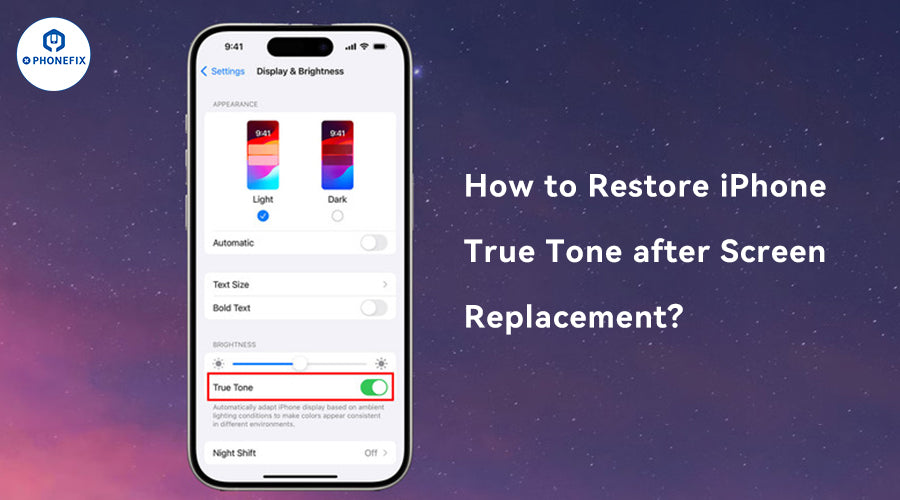
First, confirm your device's software version by going to Settings > General > About and ensuring your iOS is updated to the latest version, as updates can improve compatibility. Next, check Settings > Display & Brightness to see if you can re-enable the True Tone feature. If the option is missing, you may need to reprogram the screen's controller. If you still have the original screen, you can use a professional tool to copy the True Tone data from it, restoring the feature on the new screen. This process requires technical expertise and the right equipment.
3. Professional screen programmer (reader and writer)
If you have retained the original broken screen, this is the ideal scenario. A professional repair shop with access to a screen programmer can read the unique data from the old screen and transfer it to the new one. This process will restore the True Tone functionality. To repair the iPhone True Tone, you can use tools like the JCID V1S/V1SE or the i2C I6S/A8S programmer.
JCID V1S/V1SE to repair True Tone
Preparation: Make sure you have the adapter and the latest version of the JC Repair Assistant software (at least V5.0).
Display selection: You need to use the original display or a verified compatible display, such as EK Pro, ZY or SL brands.
Connect the programmer: Connect the JCID V1S/JCID V1SE programmer to the iPhone and make sure the device is recognized as a new display.
Data writing: Use the programmer to write the True Tone data suitable for the current screen. Make sure this step is for a supported brand of screen.
Confirm the repair: After writing the data, check if the iPhone's True Tone function has been restored. This process should usually be successful, provided all conditions are met.
i2C I6S/A8S Programmer

Tool preparation: Make sure you have the necessary hardware such as the i2C I6S or i2C A8S programmer and the relevant adapter.
Connect the device: Connect the programmer to the iPhone and the new display.
Import programming: Follow the programmer instructions to import the True Tone data using the provided instructions. This step may require specific programming skills.
Test functionality: Once completed, perform a functional test to see if True Tone is working properly.
Troubleshooting: If it does not restore, you may need to confirm that the connection is reliable or check if the display you are using is supported.
If you're using a non-original display, the process becomes more challenging, but it’s not necessarily impossible. The latest JC Screen True Tone Repair FPC Cable can help solve this issue, but to fully restore True Tone functionality, you'll need to leverage the V1S/V1SE programmer for the best results.
4. Return to the Repair Shop
If the repair shop replaced your screen but True Tone is missing, contact them first. They should have the tools to perform a data transfer. If not, request your original broken screen be returned.
5. Find a Professional Repair Center
Search for a reputable independent repair shop that specializes in "screen data migration" or "True Tone repair." These shops typically have the necessary equipment and expertise to handle the service properly.
Notes:
1. Apple repair:
If you replace the screen at an Apple Store or Apple Authorized Service Provider, True Tone should be restored automatically because they have proprietary tools and processes.
2. For third-party repairs:
iOS Update: Apple has always had difficulty keeping third-party repairs fully functional. However, recent iOS updates (such as iOS 18.1 and later) indicate that Apple is gradually relaxing restrictions to allow True Tone to function properly on some aftermarket screens. Even with these changes, the "Parts and Service History" notification may still appear, and sometimes an IC chip transfer or specific programming is still required for full functionality.

3. Quality of replacement screens:
Not all aftermarket screens are created equal. Some cheaper screens may not have the components or compatibility required to support True Tone, even if the data is transferred.
4. DIY vs. professional repair:
Attempting to restore True Tone on your own without the proper tools and knowledge can be risky and may further damage your iPhone. It is usually recommended to seek professional help.
In summary, the most reliable way to restore iPhone True Tone after a screen replacement is to hire a professional programmer to transfer the calibration data from the original screen to the new one. If you've had a third-party repair, reach out to the repair shop or find a trusted independent center that offers this service. For electronic programmers or True Tone repair tools, visit China Phonefix for your ideal solutions.