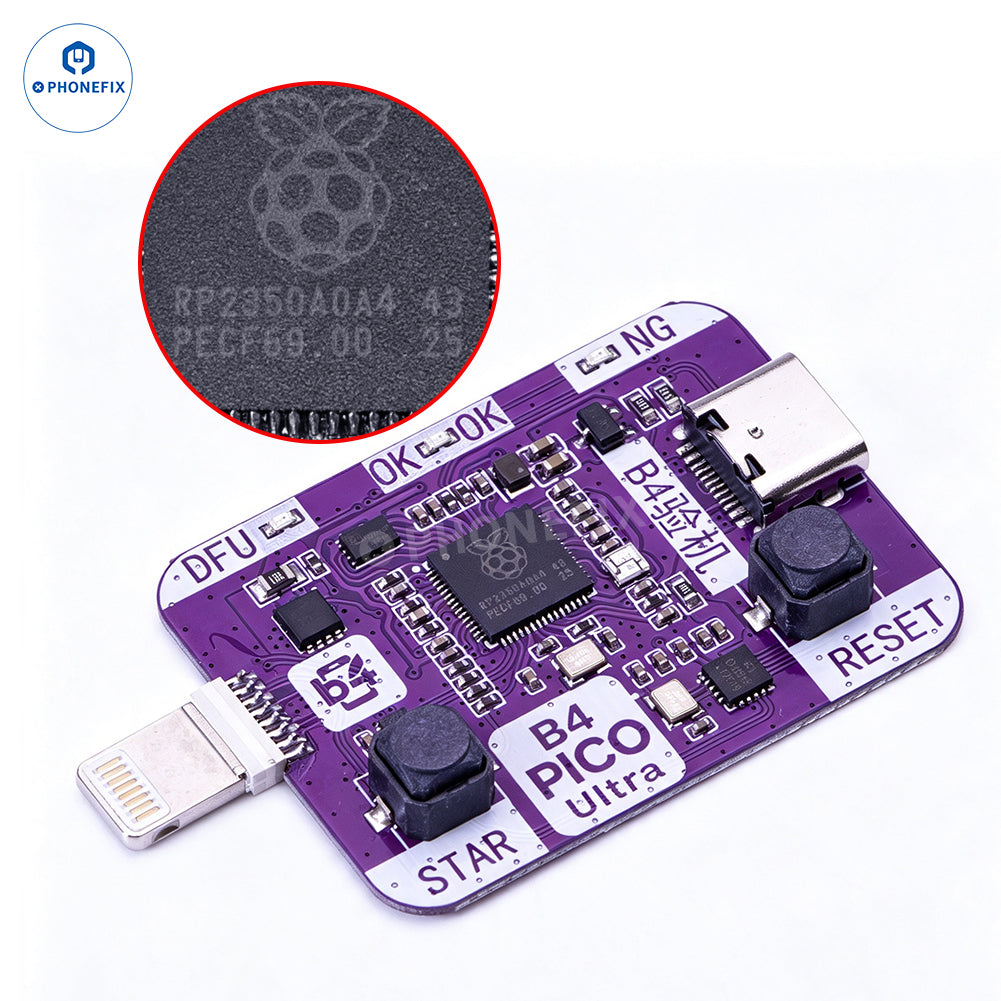
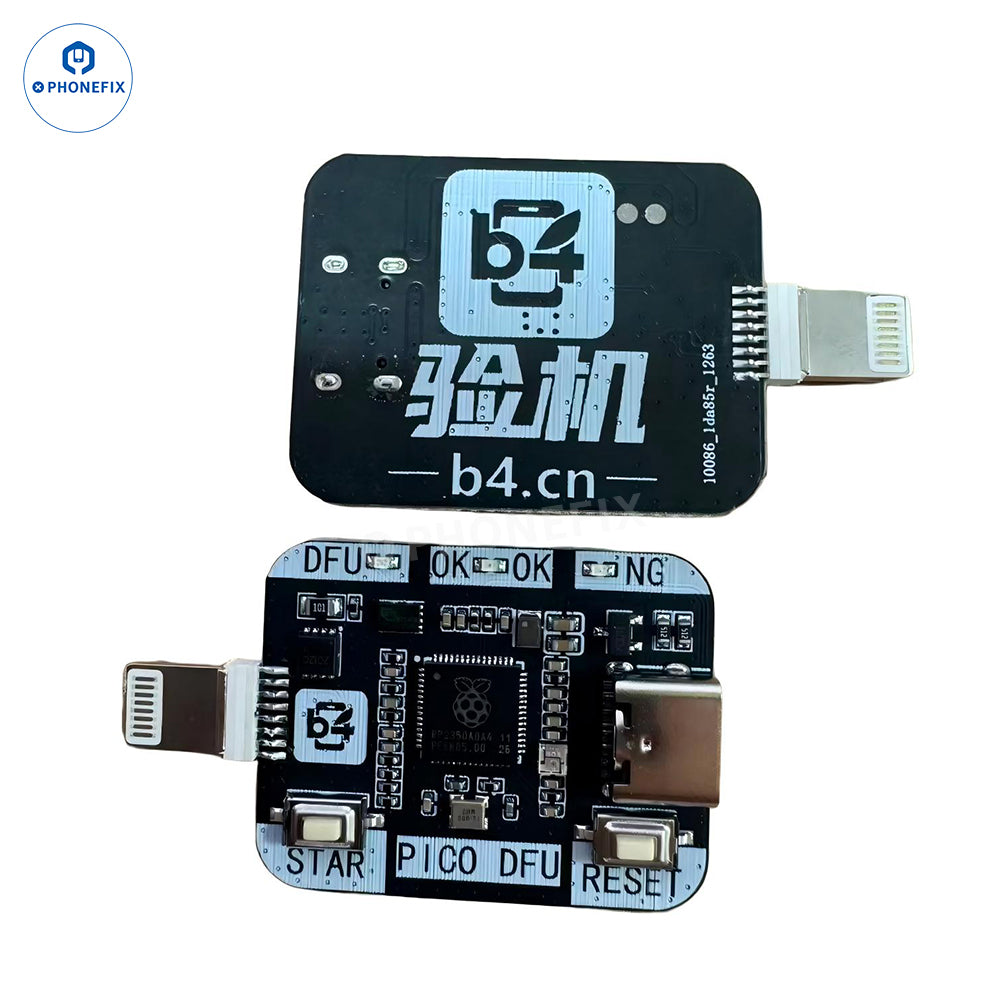
B4 PICO RP2350A automated DFU tool for iPhone XS-11 Pro Max (A12/A13). One-click DFU mode, auto PWN mode, and restart. B4 PICO Ultra is the upgraded version of the original B4 PICO DFU Box. Unlike the previous model — which required users to first enter PWN mode via the B4 DFU Box and then swap to a standard data cable to connect with the B4 platform on a computer — the new Ultra model eliminates the need for cable swapping entirely. A single connection handles the full workflow from start to finish.
Plug-and-Play. With dedicated software, the usbliter8 BootROM vulnerability can be exploited to gain privileged code execution permissions on A12/A13 iPhones and iPads, allowing for actions such as clearing passwords, performing factory resets, DFU mode recovery, or booting unsigned images. This device serves as a professional auxiliary tool, providing low-level interaction support for legitimate device repair, testing, and research scenarios.
B4 PICO Ultra DFU Board Key Features:
1. Built-in DCSD – No external DCSD cable needed – direct SysCFG read/write
2. Zero-Swap Connection – One cable handles DFU, PWN, Purple Screen Mode, and Data Erase – no cable swapping
3. Auto DFU + PWN – Smart channel switching for fast, one-click entry into DFU and PWN modes
4. Dual-Mode Functionality – Engineering mode (read/write) + standard data line – two-in-one
5. 3rd Gen Chip – More powerful performance for greater stability
6. One-Click DFU Mode – Instantly enter DFU mode
7. One-Click PWN Mode – Instantly enter PWN mode
8. Type-C Interface – Stable connection and reliable power supply
Compatible Devices (A12/A13)
iPhone XR – A12
iPhone XS / XS Max – A12
iPhone 11 / 11 Pro / 11 Pro Max – A13
iPhone SE (2nd Gen) – A13
iPad mini 5 / iPad Air 3 / iPad (8th Gen) – A12/A13
Features:
1. Automatic DFU Mode Entry: Enters DFU mode with a single click—eliminating the need for manual button combinations—to boost flashing efficiency.
2. Automatic PWN Mode Support: Quickly enters PWN mode to assist with low-level repairs and advanced operations on Apple devices.
3. Powered by RP2350A PICO Chip: Utilizes a high-performance control architecture for stable operation and rapid response.
4. Plug-and-Play Operation: Executes tasks automatically upon connection; no complex setup required.
5. Quick Restart Function: Supports device restarting via a long-press action, simplifying the repair workflow.
6. Professional Repair Aid: Designed specifically for iPhone/iPad technicians to reduce operational complexity and improve repair efficiency.
7. Clear Status Indicators: Features status markers (DFU, OK, NG) for quick and easy device status assessment.
8. Assists Entry into Engineering/Purple Mode: Automatically sends the required command sequence to provide low-level interaction support for compatible exploit workflows.
Supported Models: iPhXne XR-11 Pro Max (A12/A13).
Prerequisites for Use: B4 PICO DFU tool as an auxiliary device is an essential component of the boot/exploit workflow. It automatically transmits the required instruction stream to work in conjunction with compatible exploits, enabling supported devices to enter Engineering Mode / Purple Mode smoothly.
Practical Application (for Disabled Devices): For supported devices running iOS 18.5 through iOS 26.1 that are in a disabled state, this tool allows erasure without being forced to upgrade to the latest iOS version. Once the device is properly accessed via Engineering Mode, the erase process can be performed while preserving the current iOS version.
Important Notes:
1. This product does not include any applications or software.
2. Provided solely as a hardware auxiliary tool.
3. Results depend on the compatible exploit and operational workflow.
4. This product is intended for testing and research purposes only. Any other use is strictly prohibited.
5. This is only for professionals. This tool is for research and testing purposes only and must not be used for illegal purposes; The PHONEFIX team does not provide technical guidance for this product.