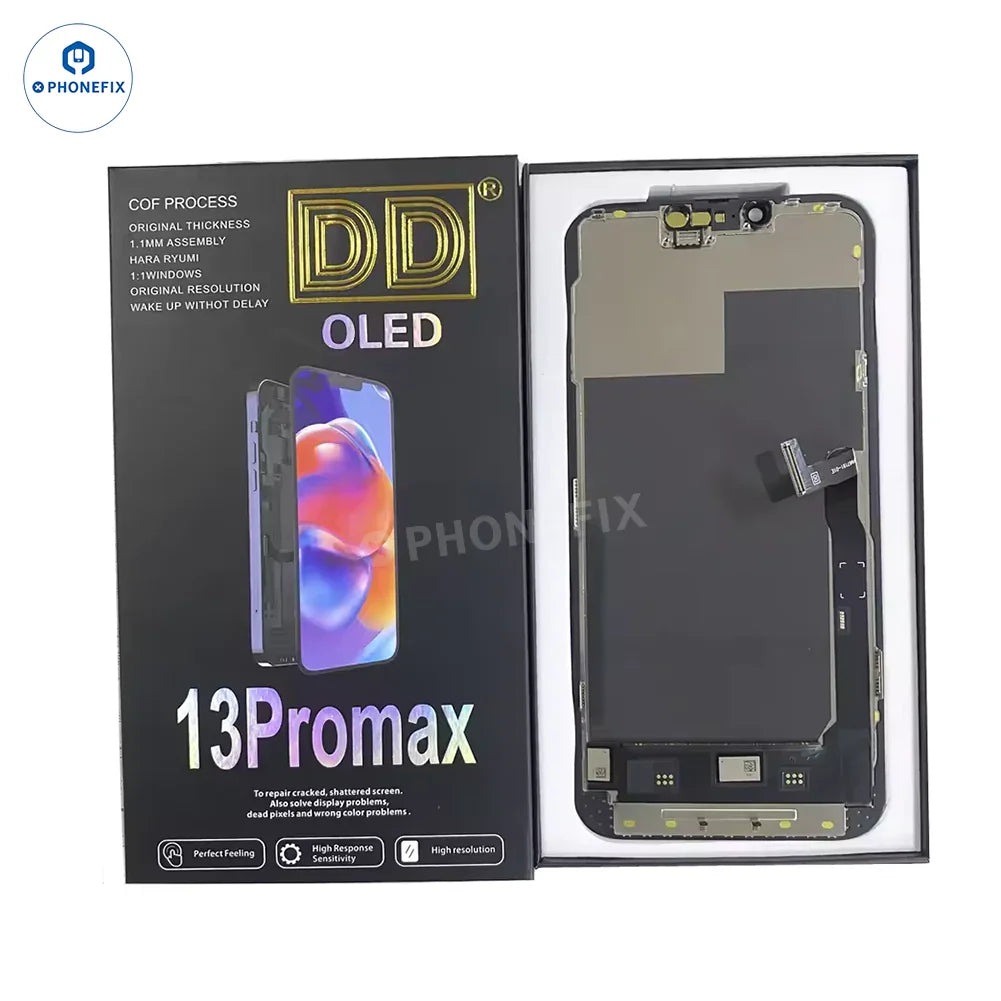
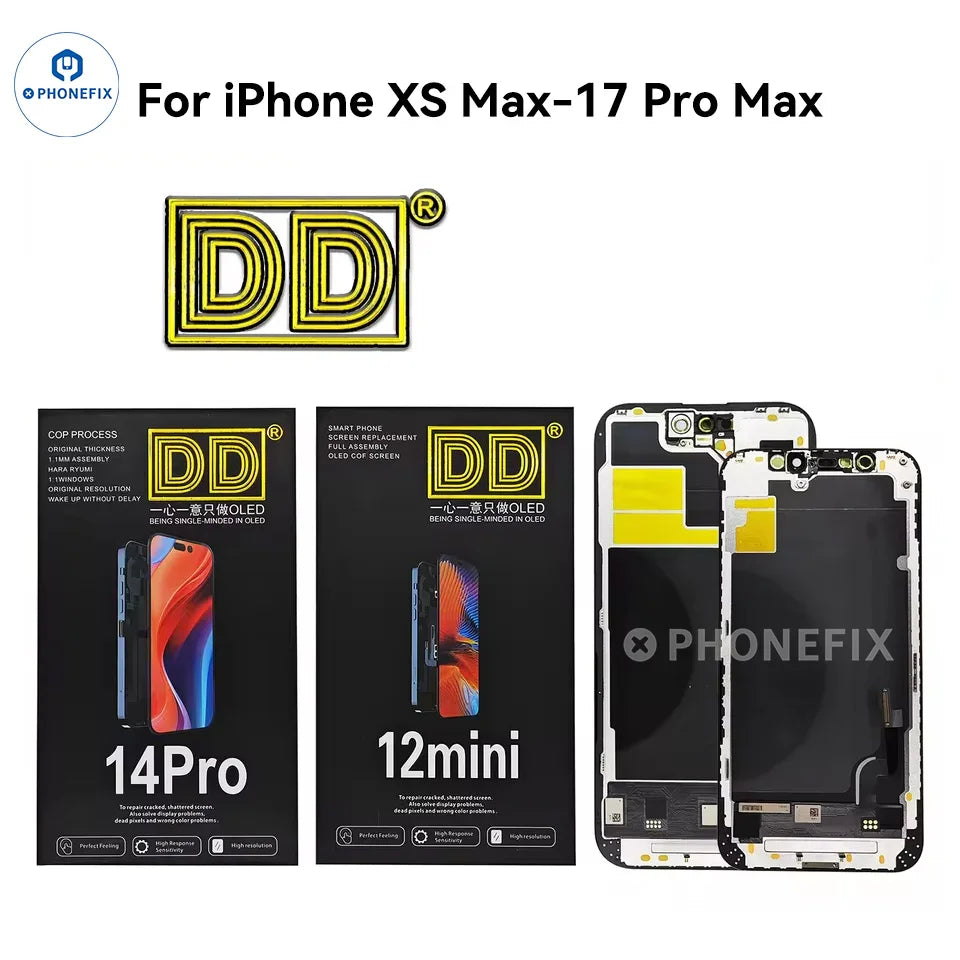
DD Hard/Soft OLED Screen for iPhone XS Max/11/12/13/14/15/16/17 Pro Max. High quality DD LCD Display Touch Screen Digitizer Assembly Replacement for iPhone 11-17 Pro Max. 120Hz refresh rate screen is available, can swap screen IC, solving the non-original screen pop-up problem on the iPhone by transplanting the screen IC.
Option
1. DD Hard OLED: for iPhone XS Max, 11 Pro Max, 12/12 Pro, 12 mini, 12 Pro Max, 16 Pro, 16 Pro Max, 17 Pro, 17 Pro Max.
2. DD Soft OLED: for iPhone 13, 13 Pro, 13 Pro Max, 14, 14 Plus, 14 Pro, 14 Pro Max, 15, 15 Plus, 15 Pro, 15 Pro Max, 16, 16e, 16 Plus.
Please Note(important):
1. Please test the screen before installation, problems after screen installation are not within the scope of after-sales service.
2. The flex cable is easily damaged. Handle carefully!
3. Please choose the right part before placing an order.
4. Professional tools and skills are required for the repair or replacement work.
5. Please try to handle the repair or replacement work in a dry and dust free environment without direct sunlight.
6. The installation of any new parts should be done by a qualified person. Phonefix is not responsible for any damage caused during installation.
7. The warranty period for mobile phone accessories is within 1 week after receiving the product.
Features:
1. Speaker Grille: Ensures clear sound transmission.
2. Infrared Lens Hole Position: Provides a precise mounting position for the infrared sensor, ensuring the accuracy of facial recognition.
3. Flexible Cable: Highly durable, ensuring a stable connection between the screen and the motherboard.
4. Front Camera Ring: Provides stable support for the front camera, effectively protecting its structure.
5. Center Frame: Provides solid support for the screen, maintaining the integrity of the overall structure.
6. Durable Design: Utilizes high-quality materials to ensure long-term durability.
Installation Tips:
1. Before installation, clean the cable with an alcohol swab and ensure a secure connection.
2. Do not pull, tear, or push the flexible cable during installation. Handle with care.
3. Remove the battery before installing the screen.
4. Tap the screen carefully, as it is very fragile and easily damaged.