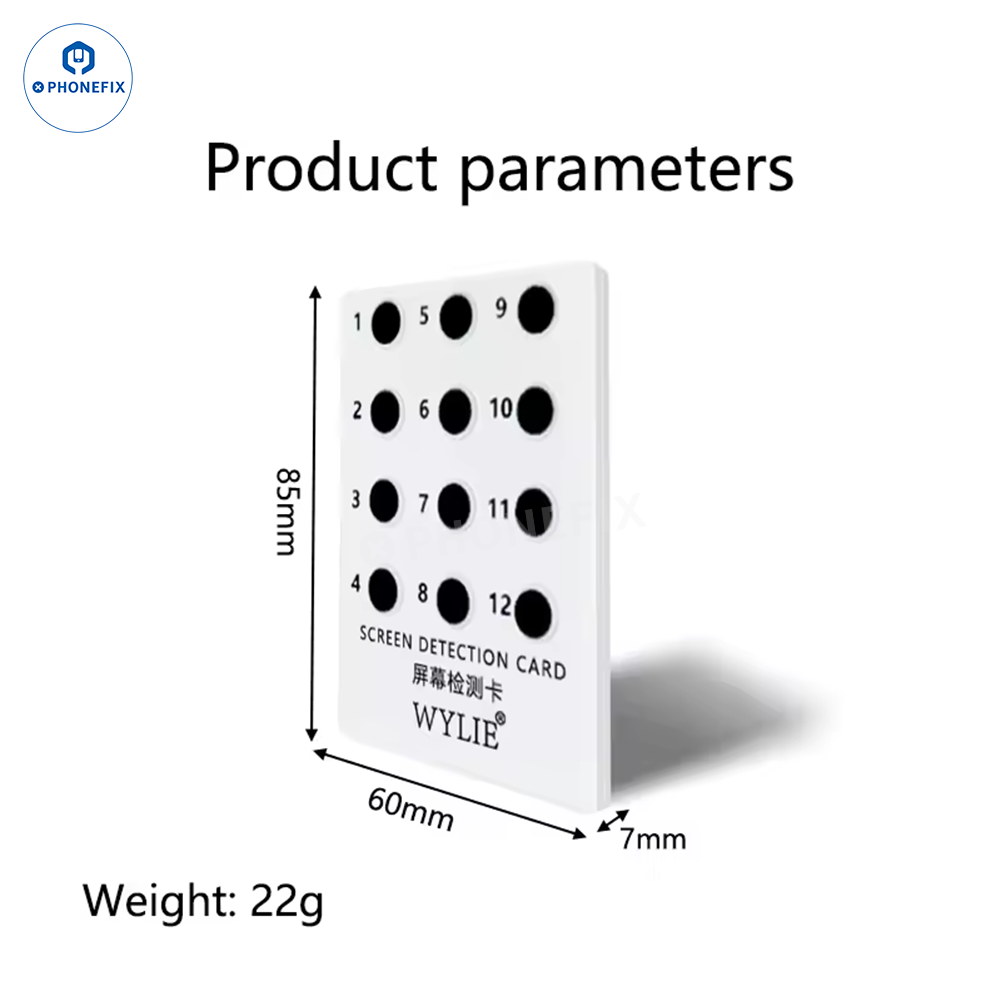
FOG Screen Test Card is used to automatically detect the quality of iPhone screens (original screens or FOG screens), suitable for iPhone 12-17 Pro Max screen detections and no-disasembly required. It can quickly and initially check the quality of an iPhone screen, making it an ideal choice for verifying screen authenticity, identifying FOG screen features, and conducting preliminary diagnostics.
Option:
1. JCID AI Auto FOG Screen Intelligent Test Card.
2. Wylie Screen Test Card.
3. RF4 RF-T01 Screen Test Card.
Please note:
1. The test card is used only as an auxiliary detection tool and its accuracy is not 100%. If the screen is an original polarized screen, it will not be distinguishable. The test card is applicable for screen detection of the iPhone 12-17 series.
2. Here FOG screen generally refers to refurbished screens.
3. This method is intended as an auxiliary tool to improve your identification accuracy and efficiency. For high-quality counterfeit screens, you need to combine it with other methods for a comprehensive evaluation.
Features:
1. Enables preliminary visual inspection simply by overlaying the device directly onto the screen; no device disassembly is required, significantly boosting operational efficiency.
2. Features a specialized visual comparison structure designed to assist in identifying refurbished screens (specifically, FOG process characteristics), thereby enhancing the efficiency and accuracy of initial diagnostic judgments.
3. A single card covers a wide range of mainstream models, making it suitable for use in both device repair shops and electronics recycling/buyback scenarios.
4. Integrates with the JCID verification App: simply scan the QR code to automatically analyze the screen's status, reducing reliance on subjective human expertise.
5. The card surface features numbered inspection points (1–12) that facilitate multi-angle comparisons to check for screen display consistency and identify potential anomalies.
6. Lightweight and durable; designed to sit flush against the screen without scratching or damaging the display panel, ensuring safe and reliable operation.
Usage Steps (How to Use)
· Remove any screen protector or film currently applied to the iPhone's display.
· Switch the iPhone's display to a pure white interface and set the screen brightness to its maximum level.
· Place the detection card directly onto the screen, aligning its edges with the device's frame.
· Use a separate, internet-connected iPhone to open the Camera app and scan the QR code on the card.
· Follow the prompts within the JCID App to complete the automated detection process.
· Review the analysis results (e.g., notifications indicating a "Suspected FOG Screen" or "Non-Original Screen").