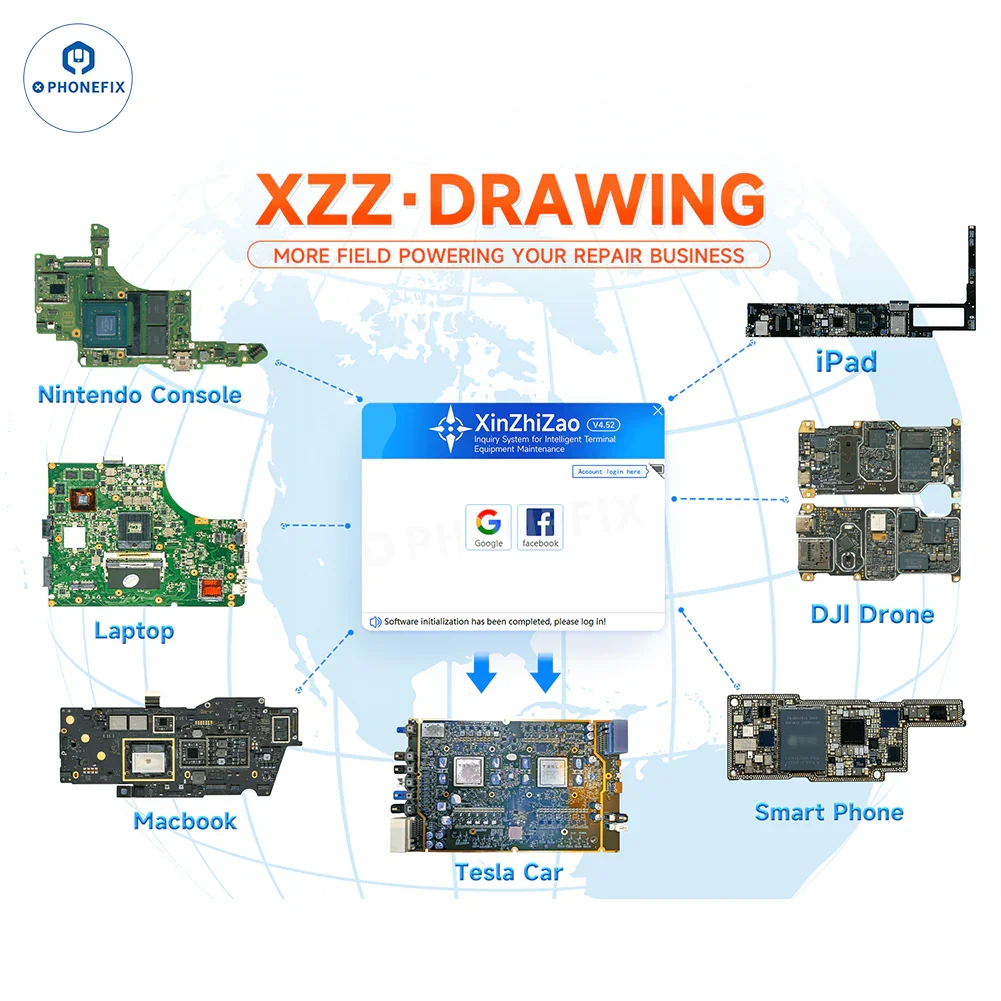
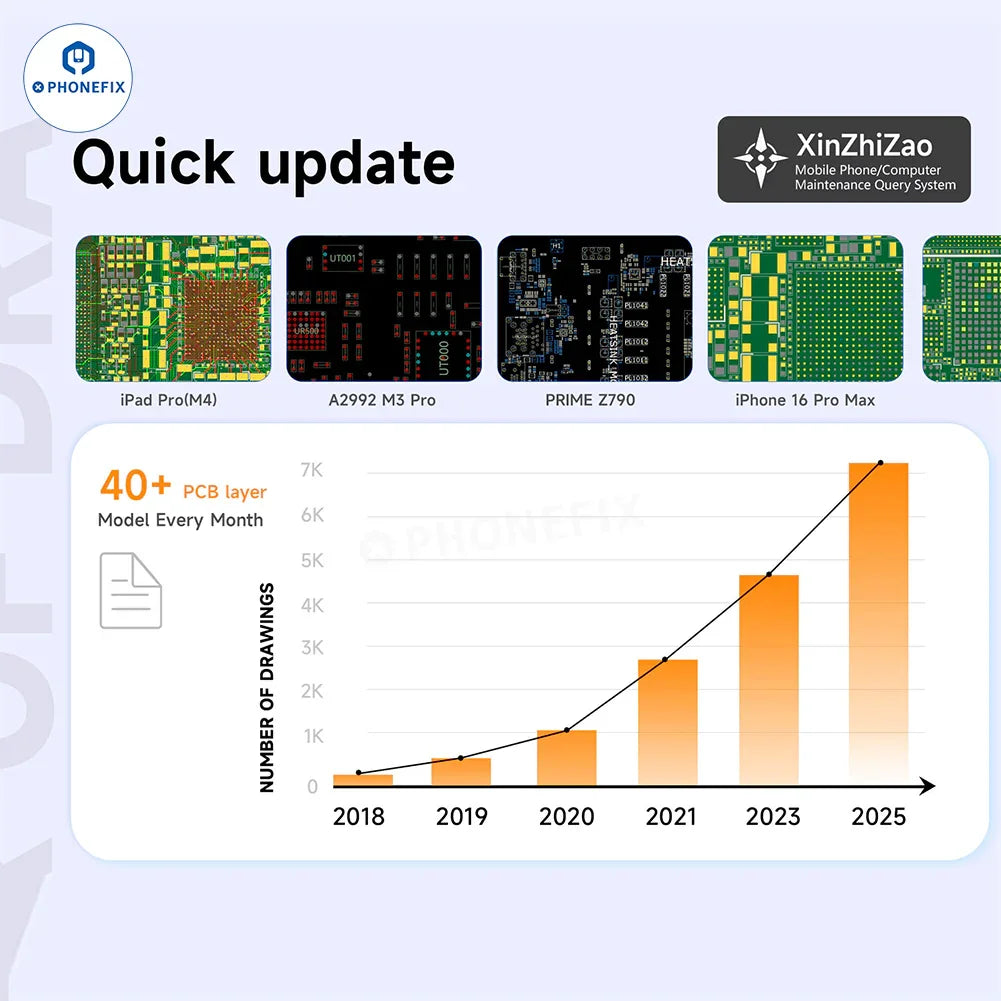
XZZ Smart Drawing Online Diagrams include circuit diagrams, PCB layers, schematics, bitmaps and repair cases for Smartphones include all iPhones, Samsung, Xiaomi, OPPO, VIVO, MOTO, OnePlus, Google, etc. Laptops include Apple, Lenovo, Dell, HP, Samsung, etc. Nintendo game consoles, iPads, laptops, DJI drones, MacBooks, Tesla cars, smartphone diagrams.
How to use XZZ drawing online software?
1. International registration address: gb.wmdang.com
2. After registration, use a computer with Windows system to download the software, choose one of the two,
- Chinese and English dual language download: www.xzmpdf.net
- English download: gb.wmdang.com
3. Log in.
4. Please contact us to get an authorization code, serial number and password, and then recharge your account. (whatsapp: +86 15767956655)
Fast response: WhatsApp Me: https://wa.me/message/M4MSQA44Y4TAJ1
Please note: XZZ drawings have a single-user version and three-user version. The single-user version can only be used by one person. The three-user version can be used by three people at the same time.
Features:
1. Supports multiple languages, such as Spanish, Portuguese, Korean, Japanese, etc. Supports Windows and MacOS operating systems.
2. Available in multiple colors, choose the color you like. Precious maintenance marks are securely stored by the cloud server, and maintenance marks can be added in advance and shared flexibly.
3. Flexible login, user name does not need to be bound to the computer, IP login is not restricted, and any computer and IP can log in. Designed for powerful bosses with multiple stores, you can log in at any store and any computer anytime, anywhere.