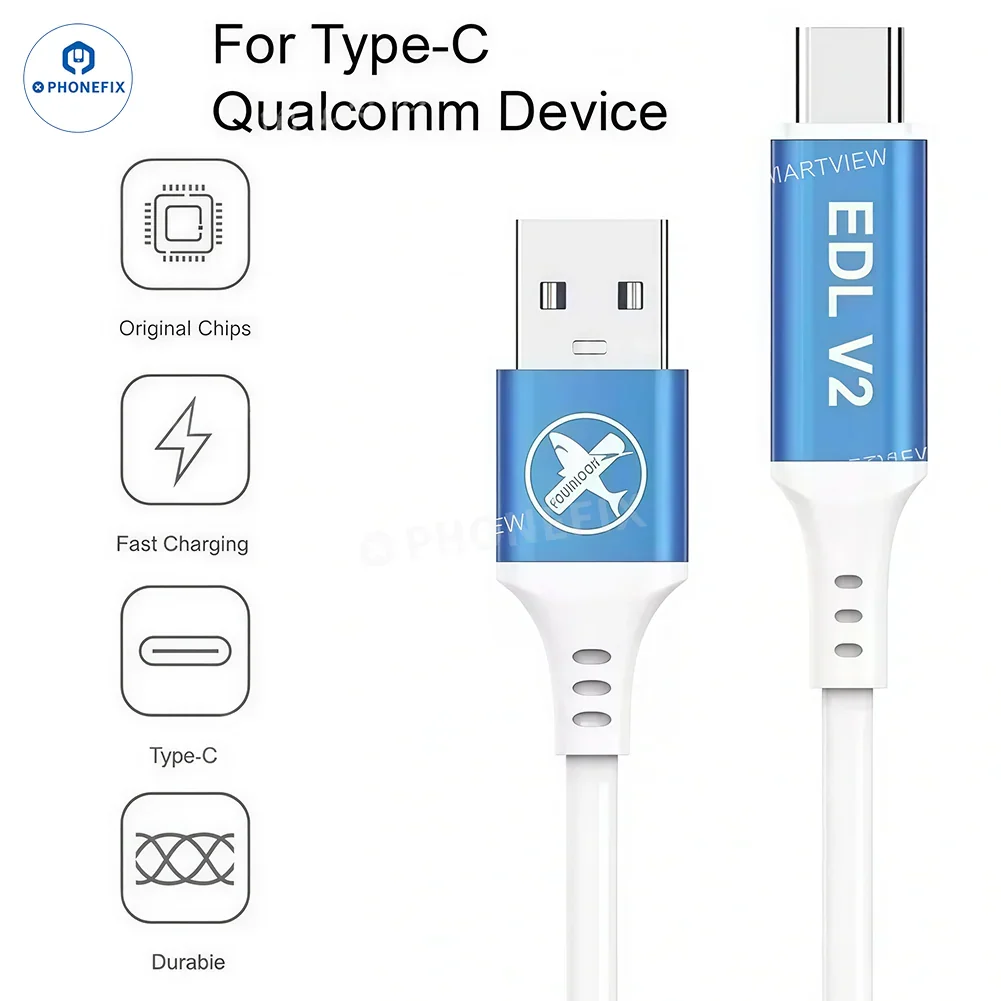
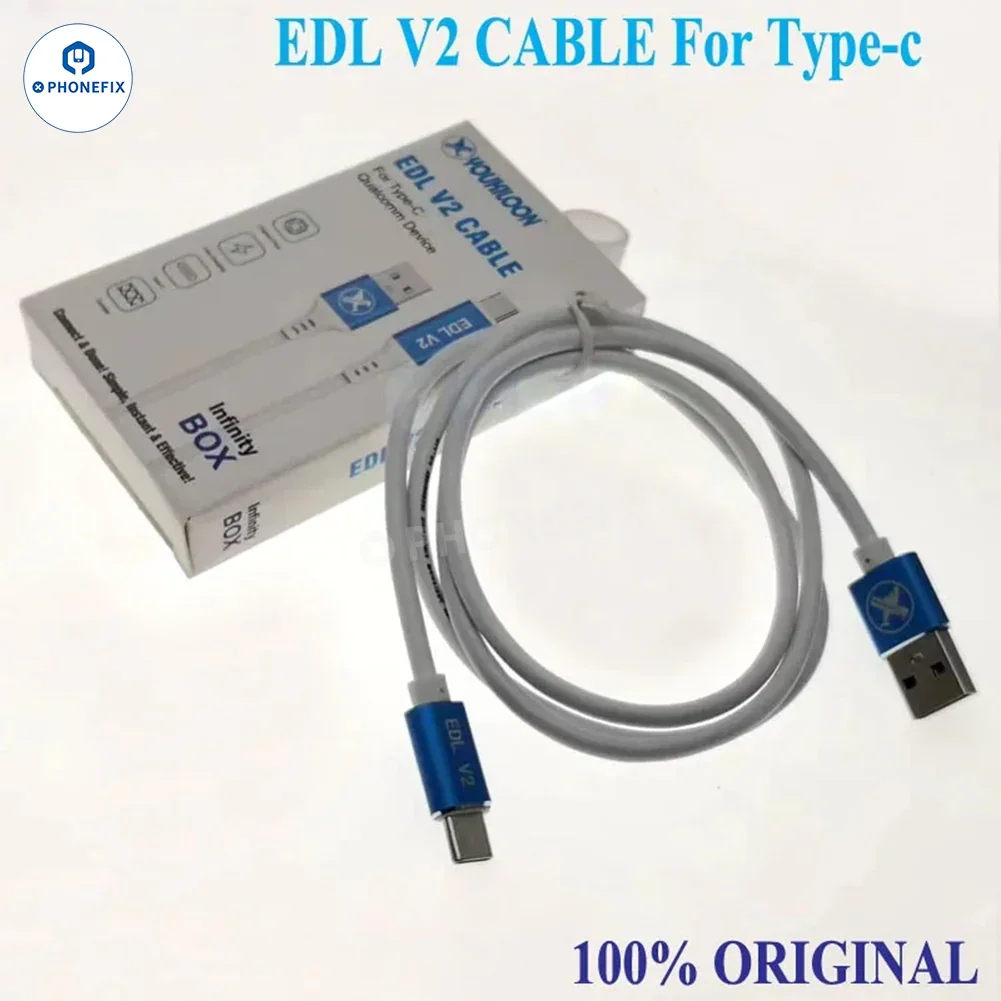
YOUKILOON EDL V2 Cable supports Qualcomm devices with a Type-C interface, allowing you to quickly reboot your phone into EDL mode without the need for test points or server authentication.
Features:
1. Test Point-Free EDL Mode Entry: Directly enter 9008 EDL mode without disassembling the device or using other tools.
2. No Server Authentication Required: Eliminate complex authorization steps for faster and more efficient flashing.
3. Universal Type-C Interface: Compatible with most Type-C devices supporting Qualcomm chipsets.
4. Genuine Chipset, Stable Performance: Ensures stable data transmission and safe, reliable operation.
5. Fast Charging Support: More than just a flashing cable, it can also double as a charging cable.
6. Durable Design: The cable is durable and built for long-term, frequent use.
Steps:
· With the phone turned off, press the volume up or down button to enter Fastboot mode;
· Plug in the flash cable and press the power button to turn off the power;
· When the phone screen goes black and you release the power button, immediately plug in the flash cable;
· Wait 5 seconds. At this point, enter the Device Manager and identify port 9008. If port 9008 appears, it indicates that the phone has entered Deep Flash mode. Then, use the flash tool to flash the phone;
· Select the data and click Flash Back. Once all issues have been resolved, the phone will remain black throughout the process. This is normal, so don't worry.
Package includes:
1 x EDL V2 cable