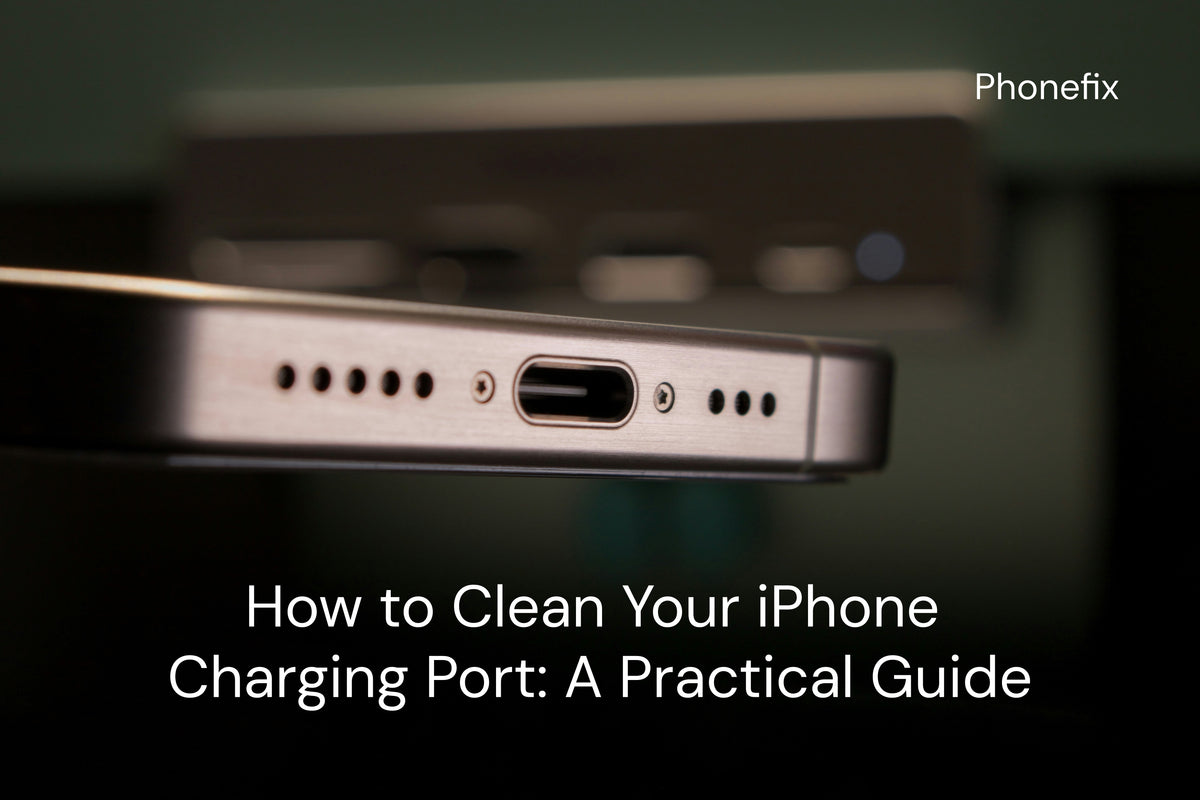
A dirty charging port is one of the most common causes of iPhone charging problems. Pocket lint, dust, and fabric fibers are pushed deeper into the port each time a cable is inserted, and they eventually form a barrier between the cable contacts and the internal pins. This guide covers the signs that indicate cleaning is needed, the tools and steps for safe cleaning, the mistakes that should be avoided, the situations in which cleaning alone is not sufficient, and answers to common questions.

I. Signs That the iPhone Charging Port Needs Cleaning
Several symptoms point to a blocked port rather than a failed iPhone battery or a damaged cable. A visual inspection is often enough to confirm the issue.
· The phone charges only when the cable is wiggled into a specific position.
· The charging icon appears and disappears intermittently.
· Charging is slow even with a known-good power adapter.
· The battery percentage rises very slowly or drops while the phone is plugged in.
· The cable feels loose and falls out easily, or it does not sit flush with the phone’s casing.
· An “Accessory Not Supported” message appears with an Apple-certified cable.
· Data syncing and backup fail when the port is clogged.
· Gray or black lint is visible at the bottom of the port when a flashlight is used.
II. How to Clean the iPhone Charging Port
1. Tools Required
Only non-conductive tools should be used to prevent short circuits. The following table lists the necessary tools and their functions.
| Tool | Purpose | Key Feature |
| Wooden Toothpick or Plastic Pick | Loosening and removing packed dirt, fuzz, and debris. | Insulates against electricity and will not scratch internal metal pins. |
| Small Soft Brush | Clearing away loosened particles and dust from the port. | Features ultra-fine, gentle bristles designed for delicate electronics. |
| Compressed Air Canister | Dislodging stubborn dust and blowing it out of the opening. | Provides a concentrated, moisture-free blast of air. |
| Flashlight (or Smartphone Light) | Providing bright light to see inside the recessed area. | Helps illuminate dark corners for accurate debris spotting. |
| Lint-free Microfiber Cloth | Cleaning the outer frame and capturing any surface dust. | Prevents scratching and leaves no fibers behind. |
2. Steps
The cleaning process is performed carefully to avoid damage to the internal components.
· The iPhone is powered off completely before any cleaning begins. This step prevents accidental short circuits.
· The port is inspected with a flashlight. The location of the compacted lint is noted.
· The phone is held upside down and tapped gently. Loose debris is allowed to fall out.
· A wooden or plastic pick is inserted at a slight angle toward the back wall. The delicate pins are avoided. Debris is dragged outward.
· The soft brush is used to sweep loose particles across the opening.
· Short bursts of compressed air are applied from a distance of one to two inches. The can is held upright to prevent liquid propellant from entering the port.
· A known-good, Apple-certified cable is plugged in. The fit should be snug and flush with the casing. If charging does not resume, the scraping and blowing steps are repeated.
3. Mistakes to Avoid
Certain actions cause permanent damage to the port and should be strictly avoided.
· Metal objects such as pins, paper clips, or metal tweezers must never be inserted. The gold-plated contacts can be bent or short-circuited instantly.
· Blu Tack and similar adhesive putties should not be used. Oily residue coats the pins, and the putty can break off inside the port.
· Household cotton swabs should be avoided for dry cleaning. They shed fibers that add to the debris problem.
· Blowing into the port with the mouth introduces moisture and saliva, which accelerates corrosion.
· Water and household cleaning solutions should not be applied to the port.
· The cable should never be forced into the port. Forced insertion bends the internal pins.

III. When Cleaning Alone Is Not Enough
Cleaning solves the majority of charging problems, but not all of them. Other issues may be present.
· If multiple known-good cables and power adapters fail to charge the phone, the fault likely lies elsewhere. Cable failures are common.
· If MagSafe or another wireless charger works while wired charging fails, the port itself is the likely point of failure.
· If a “Liquid Detected” alert appears, the phone should not be charged. The port is allowed to air-dry in a well-ventilated area for up to 24 hours. Heat sources are avoided.
· Greenish or dark residue inside the port indicates corrosion from prior liquid exposure. Professional cleaning or port replacement is required.
· Visibly bent or recessed pins cannot be corrected by cleaning. A port replacement is usually necessary.
· A severely degraded battery or a failed charging IC on the logic board can cause persistent charging failure despite a clean port.
When the fault is confirmed to be the port or another internal component, replacement parts are required, and the repair is best handled by a qualified technician.
IV. FAQ
Q: Can compressed air damage the port?
Compressed air is safe when used correctly. The can must be held upright, the nozzle must be kept at a short distance, and only short bursts should be applied.
Q: Is isopropyl alcohol safe for the charging port?
A high-concentration isopropyl alcohol of 90% or above evaporates quickly and leaves little residue. It should be applied sparingly to a foam swab and used only on the outer walls of the port. The internal pins should not be soaked.
Q: Why does fast charging no longer work after cleaning?
Fast charging depends on a stable data handshake. If the port is clean but fast charging still fails, the cable or adapter may be damaged or uncertified. A different MFi-certified cable and adapter should be tested.
Q; The cable still feels loose after cleaning. What does that mean?
A loose fit after cleaning usually indicates wear or damage to the port’s internal retaining mechanism or pins. A port replacement is likely necessary.
Q: How often should the charging port be cleaned?
A visual inspection once a month is sufficient for most users. Cleaning is performed only when debris is visible or when charging symptoms appear.

In conclusion, a clean charging port ensures stable power delivery and data transfer for the iPhone. Regular inspection and proper cleaning methods prevent most common charging issues. If hardware damage is suspected, professional assistance and specialized phone repair tools are recommended to resolve the problem safely.