
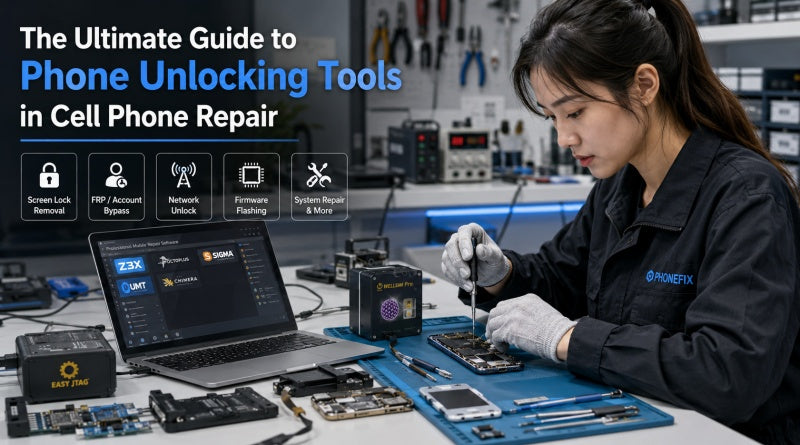
As smartphone security mechanisms continue to evolve, features such as screen locks, account locks, carrier network locks, and various firmware protections have become integral components of modern mobile devices. Phonefix provides a comprehensive overview of the types of unlocking tools common in the mobile repair industry, their use cases, and best practices for the repair process, helping technicians perform unlocking tasks more efficiently and safely.
I. What Are Phone Unlocking Tools?
Phone unlocking tools refer to a collection of software and hardware utilities designed to remove device access restrictions and restore devices to normal operational status. Depending on the specific scenario, these tools are primarily used for:
· Removing screen locks (PINs, pattern locks, and passcodes)
· Bypassing account verification (Google FRP, Apple Activation Lock)
· Removing carrier network locks (SIM Network Lock)
· Flashing firmware to restore the system
· Fixing lock issues caused by system malfunctions
For professional technicians, selecting the right unlocking solution not only boosts repair efficiency but also minimizes the risk of device damage.

II. Software-Based Unlocking Tools
Software-based unlocking is currently one of the most common methods; it involves establishing a connection between a computer program and the mobile phone to perform tasks such as passcode removal, system repair, or firmware reflashing.
1. Consumer-Grade Unlocking Tools
These tools feature simple operations and user-friendly interfaces, making them suitable for average users and entry-level technicians.
Common tools include:
· iToolab UnlockGo
· Dr.Fone Screen Unlock
· Tenorshare 4uKey
· iMyFone LockWiper
These tools typically offer graphical user interfaces and use wizard-style workflows to guide users through the unlocking process.
Key functions include:
· Removing Android screen lock passcodes;
· Deleting iPhone screen passcodes;
· Bypassing Google FRP locks;
· Fixing certain iOS system anomalies;
Their advantage lies in a low barrier to entry, though success rates may be limited when dealing with complex faults or advanced security mechanisms.
2. Professional-Grade Repair Software
Repair shops and chip-level repair engineers typically rely on professional-grade repair tools. Common devices include:
· Z3X Box
· Octoplus Box
· SigmaKey
· UMT Dongle
· Chimera Tool
These tools support not only passcode unlocking but also:
· Firmware flashing
· Baseband repair
· IMEI repair
· Network unlock
· Bootloader unlocking
· EDL mode repairs
Compared to standard software, they offer more comprehensive functionality and are compatible with devices from brands such as Samsung, Xiaomi, Huawei, OPPO, and vivo.
III. Hardware and Physical Disassembly Tools
Physical disassembly of the phone is required when the firmware cannot be bypassed via software alone, or when an EEPROM programmer is needed to read/write motherboard data.
| Tool Name | Core Function & Application Scenario | Safe Operation Key Points |
| Pry Tools & Opening Picks | Used to safely separate bonded phone screens or back glass panels. | Prioritize nylon or ultra-thin stainless steel materials to prevent scratching internal components or severing flex cables. |
| Suction Cups & Opening Pliers | Used to lift full-screen displays or back glass covers. | Avoid applying destructive pressure to the screen; use in conjunction with heat to soften the adhesive and prevent screen cracking. |
| PCB Fixtures & Soldering Station | Firmly secures the motherboard during chip-level repairs (e.g., reading/writing data with an EEPROM programmer). | Ensure the motherboard is securely clamped; precisely control the temperature of the heat gun/soldering iron to prevent damage to surrounding chips. |
IV. Official Carrier Unlock (Network Unlock Method)
This is the safest and most permanent method for unlocking a phone to use on any network.
1. Eligibility Check: Confirm the phone is fully paid off, has been active for the duration required by the carrier, and the account has no outstanding bills or fraud records.
2. Execution: Provide the device's IMEI number to the original carrier (e.g., AT&T or Verizon). Once authorized, enter the unlock code, insert a SIM card from a different carrier, and restart the device.

V. Best Practices for Technicians
1. Data Privacy and Legal Authorization:
Software-based unlocking typically wipes all user data from the device. Before proceeding, clearly inform the customer, confirm the reset complies with legitimate account recovery protocols, and ensure you have obtained the customer's legal authorization.
2. Electrostatic Discharge (ESD) Protection:
When handling sensitive hardware or disassembling internal components, always use grounding mats and ESD testing equipment to strictly prevent electrostatic discharge from damaging the motherboard.
As smartphone security systems continue to evolve, unlocking and repair services will become increasingly specialized and standardized. Selecting the right Phone Unlock tools, adhering to legal and compliance principles, and prioritizing data and hardware security are the keys to efficient mobile phone unlocking and repair.


