
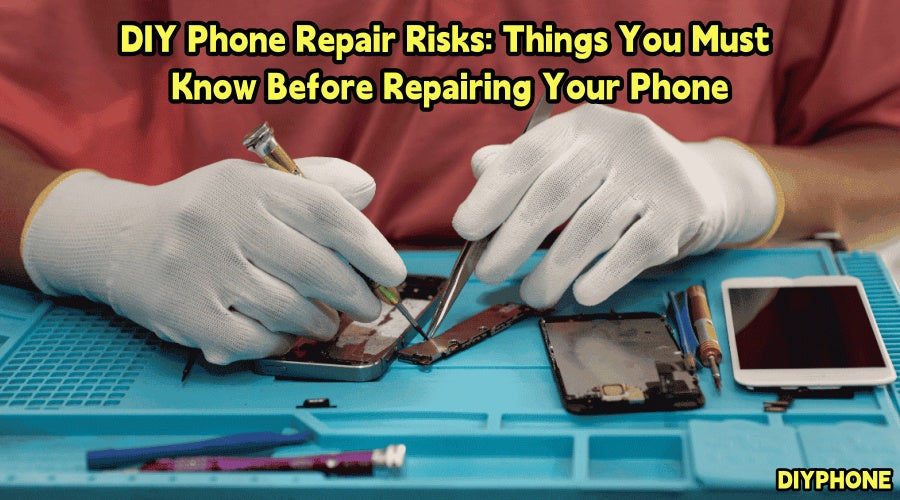
As smartphone structures become increasingly complex, many users consider repairing their phones themselves when they encounter problems such as cracked screens, reduced battery life, or charging issues. DIY repairs can indeed save some repair costs. However, without the proper tools and accurate procedures, they may cause secondary damage to the screen, flex cables, motherboard, or even the battery. Therefore, before starting a DIY phone repair, it is very important to understand the potential risks and make adequate preparations.

I. Determine the Problem Before Disassembling the Phone
One of the most easily overlooked steps in DIY repair is fault diagnosis. Many people see that their phone is malfunctioning and immediately purchase replacement parts, without confirming the actual source of the problem.
1. Causes of Phone Charging Problems
· Damaged charging cable or charger
· Dust or foreign objects accumulated in the phone's charging port
· Aging battery
· System or software abnormalities
· Damaged charging port flex cable
If you replace the charging port or battery directly without making a basic diagnosis, you may not only fail to solve the problem but also increase the repair cost.
2. Other Precautions
Before disassembling the phone, you should also confirm the exact model of the phone and consult repair information in advance. Different brands and models of phones may have significant differences in screw specifications, internal layouts, flex cable connections, and screen attachment methods.
II. Appropriate DIY Phone Repair Tools
Proper tools can not only improve repair efficiency, but more importantly, reduce the likelihood of accidental damage. Common Repair Tools are as follows:
· A Precision Screwdriver Set, used to remove screws of different specifications.
· Plastic pry tools and picks, used to separate the back cover, screen, and internal components.
· Suction cup tools, used to assist in removing certain screens or back covers.
· Tweezers, used to handle flex cables, adhesive tape, and small components.
· A magnetic screw mat or compartmentalized storage box, used to distinguish screws from different locations.
For more complex repairs, such as motherboard-level repairs, a multimeter, microscope, soldering equipment, or hot-air rework equipment may also be required. However, having professional tools does not mean that you have professional repair skills. Improper use of tools can also damage the phone.

III. Be Careful During Repairs
Smartphones generally use lithium-ion batteries, and batteries are components that require particular attention during the repair process.
1. Precautions
· Screws removed during disassembly must be sorted and stored according to their location, ideally using a Screw Magnetic Storage Tray. If necessary, use your phone to take photos and record the disassembly process. If a longer screw is installed in the wrong position, it may put pressure on internal components and even damage the motherboard.
· When removing the battery, using a sharp tool to puncture the battery, or forcibly bending or squeezing it in order to remove it quickly, may cause internal damage. High-temperature environments and improper heating operations also carry risks.
· If you find that the phone's battery has obvious swelling, deformation, damage, or abnormal heating, inexperienced users are not advised to continue disassembling it themselves. At this point, it is more important to stop further operations and seek assistance from a professional repair technician.
2. Handle Flexible Cables Carefully
· The internal space of a phone is very limited, so many components are connected through flexible cables and miniature connectors. Components such as screen flex cables, fingerprint recognition flex cables, and camera flex cables are usually relatively delicate, and excessive pulling may cause them to break.
· Each time you remove a layer of components, first observe the connection between them. When disconnecting a flex cable, confirm the correct way to open the latch or connector, and do not pull the flex cable itself directly.

IV. Avoid These DIY Repair Mistakes
Many phones are not impossible to repair because of the original fault. Instead, the problem may become more serious due to improper operation during the repair process.
1. Key Operating Mistakes
· Forgetting to disconnect the battery
Operating internal components while the device is still powered on increases the risk of short circuits and damage.
· Using excessive heating temperatures
Some repairs require hot air or heating tools to soften adhesive, but excessive temperatures may damage the screen, camera, battery, or other components.
· Using excessive force when prying
If a component cannot be easily removed, first confirm whether it is still secured by screws, clips, or adhesive, rather than forcibly prying it.
· Improperly installing flex cables
If a flex cable is not fully secured, it may cause problems with the screen touch function, camera, earpiece, or other functions.
· Assembling the phone without testing it first
If you only discover that a certain function has a problem after completing the repair and assembling the phone, you may need to disassemble it again, increasing the risk of repeated operations.
2. Other Common Mistakes
· Not backing up data before the repair
Before starting disassembly, it is recommended to back up important photos, contacts, chat records, documents, and other important data in advance. Depending on the device, you can use cloud backup, computer backup, or other reliable methods to save your data.
· Not seeking professional repair assistance in time
If the phone's motherboard has a fault, requires microsoldering or chip repair, has serious water damage or corrosion, or you are unable to determine the cause of the fault, DIY repair may result in higher repair costs if it fails. In such cases, choosing professional repair services directly may actually be a more economical and safer decision.
V. Being Well Prepared Is More Important
Truly safe repairs are based on adequate preparation and correct operation. Before repairing a phone, first accurately determine the fault, then understand the internal structure based on the phone model, and prepare an appropriate Phone Repair Tool Kit. For beginners, it is more prudent to start practicing with repair projects that have lower risks and relatively simple structures. As experience continues to accumulate, gradually moving on to more complex repair tasks is more prudent.


