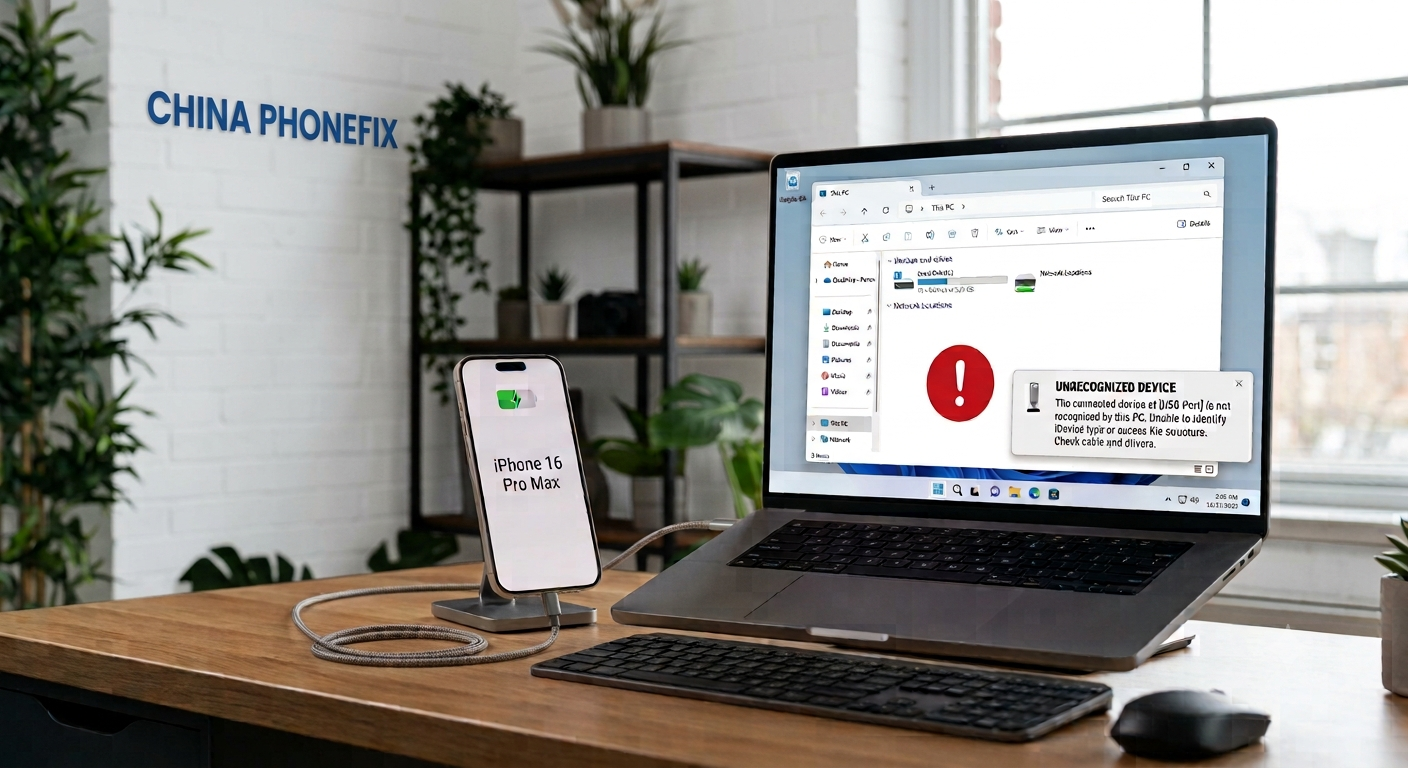
Recently, many users have reported to the PHONEFIX team that their iPhone 16 Pro Max charges normally but cannot be recognized by a computer. The iPhone charges fine but the PC won't recognize it. According to repair technicians, this problem typically stems from one of two causes - either a corrupted EEPROM IC (hardware) or the device being in supervised/MDM-locked mode (software restriction).
1. EEPROM Data Loss – The EEPROM IC, often called the "code chip" stores critical USB configuration data. If this data becomes corrupted or missing, the phone can still charge, but the PC will not detect it. Restoring or reflashing the EEPROM with correct data is required to fix the issue. A simpler method is to directly replace the iPhone EEPROM chip with the one containing the data.

2. Supervised (Managed) Mode – If the EEPROM data is confirmed intact, the device may be a supervised iPhone (commonly used by organizations or schools). These devices are configured with MDM (Mobile Device Management) policies that restrict USB connections for security reasons, intentionally disabling PC connectivity. This is a software limitation, not a hardware defect; nor is it related to the charging port or the iPhone charging cable. It can only be resolved by removing the device from the supervising organization's MDM system.

For affected users, the first step is to verify whether the device is supervised by checking Settings > General > VPN & Device Management. If no management profile appears, the issue is likely hardware-related and will require professional repair skills and phone repair tools.
If you have any other suggestions or methods, please feel free to share them with the PHONEFIX team; we would greatly appreciate it.