
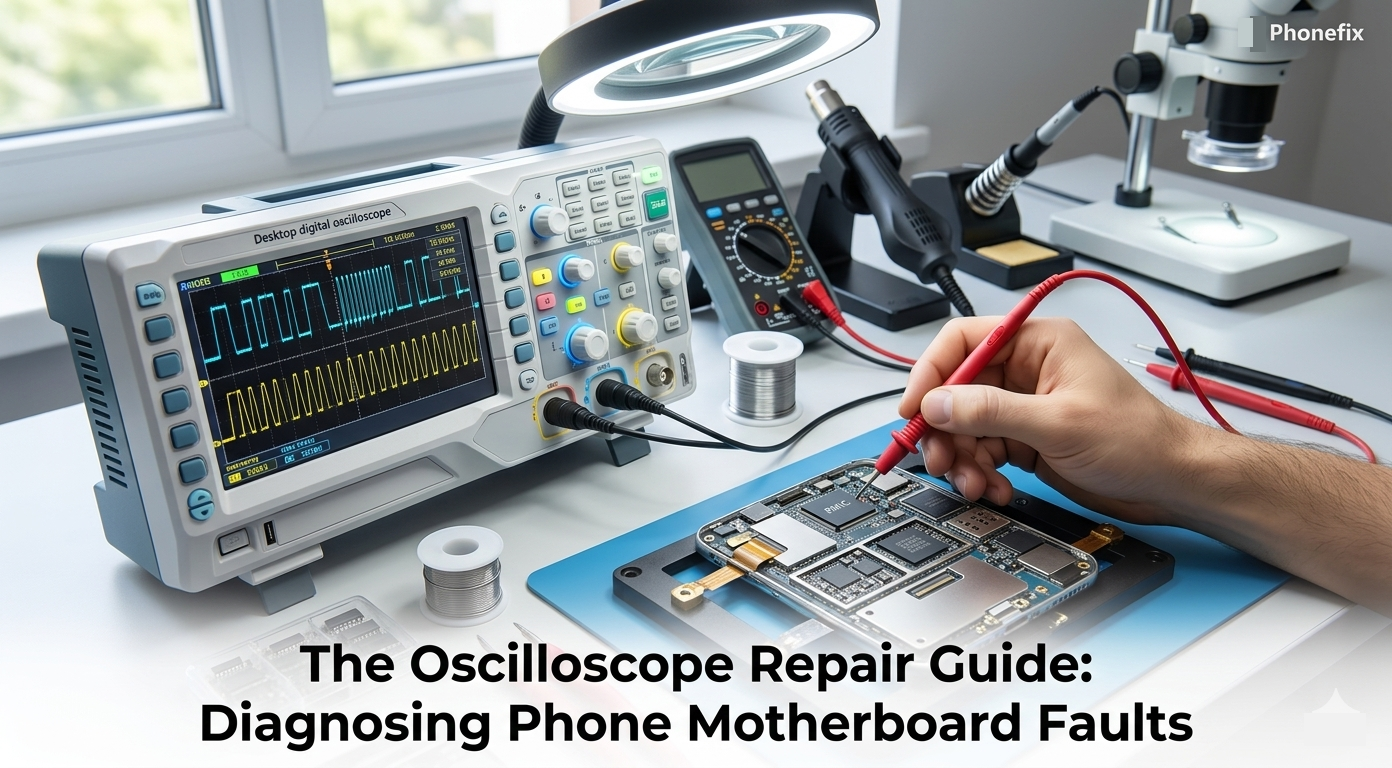
Cell phone motherboard repair requires diagnostic tools that capture dynamic signal behavior, as multimeters only provide static voltage readings and miss transient pulses. An oscilloscope displays voltage over time as waveforms, enabling visual inspection of clocks, data buses, and power rail noise. This guide covers probe calibration, signal identification, common fault workflows, and safety precautions for systematic motherboard troubleshooting.

I. Why Use an Oscilloscope to Repair Your Phone?
· Limitations of Standard Tools: A multimeter measures average voltage, but it misses rapid signal drops and pulses. Modern cell phones transfer data at extremely high speeds. The components communicate in microseconds. A standard multimeter is too slow to catch these fast signals. It only gives you a static number. You need an advanced visual tool to see what happens on the logic board inside milliseconds. You cannot fix complex faults without seeing the real-time signal behavior.
· The Visual Advantage: An Oscilloscope for electronics repair displays voltage variations over time as a clear waveform graph. The vertical axis represents voltage, and the horizontal axis represents time. This layout helps you see clock signals, data communication packets, and power rail ripples. If a power rail has excessive noise, a multimeter will still show a normal voltage reading. However, the oscilloscope will immediately reveal the destructive voltage spikes. This capability makes it indispensable for modern micro-soldering diagnostics and professional fault-finding.
II. The Difference Between a Multimeter, Power Supply, and Oscilloscope
You must select the right gear for cell phone diagnostics. Every tool on your bench serves a distinct, critical purpose. Mixing up their roles or relying on just one device will limit your diagnostic capabilities.
· The Multimeter for Static Checks: A multimeter is excellent for measuring static values like resistance, continuity, and steady DC voltage. It tells you if a trace is physically broken or if a capacitor is shorted to ground. However, it cannot display a dynamic electrical signal over a timeline.
· The DC Power Supply for Driving Power: You will need a reliable DC Power Supply to boot the phone board during testing. This power supply lets you monitor current draw while you trace power rails and inject voltage safely into the motherboard. It acts as the battery replacement and tells you how much energy the board consumes, but it cannot show signal data.
· The Desktop Digital Oscilloscope for Signal Capture: A desktop Digital Oscilloscope is the best choice for a steady repair workbench. While the power supply feeds the board and the multimeter checks static limits, this core instrument captures high-frequency data bursts, clocks, and voltage ripples. It provides a large screen, accurate measurements, and easy-to-use control knobs to visualize data lines while they are actively running.

III. Device Calibration and Signal Identification
Before you test a phone board, you must configure your device correctly and understand what a normal signal looks like.
· The Calibration Process: Turn on the machine and connect the probe to the calibration terminal. This terminal outputs a standard test signal. Adjust the probe compensation screw until you see a perfect square wave on the screen. If the corners are rounded or oversized, your measurements will be wrong. Set the input coupling to DC for checking power lines and digital signals. Set the trigger mode to Auto for continuous signals like clocks. Use the Single trigger mode for capturing one-time startup sequences and sudden voltage drops. Connect the probe ground clip to a large ground shield on the phone motherboard to eliminate electrical noise.
· DC Power Rail Signals: Smartphone motherboards rely on several distinct signal types to function properly. You must learn to recognize these waveforms on your screen while probing with your Digital Oscilloscope. A healthy power rail should look like a flat, straight line. It must not have large vertical fluctuations or fuzzy noise blocks.
· Clock and Data Signals: The second type is the clock signal. Every smartphone requires a stable 32.768 kHz sleep clock and a 19.2 MHz or 26 MHz main baseband clock. Touch your probe to the crystal oscillator pins. A working crystal always shows a clean, continuous sine wave. The third type is the data bus signal. The I2C, SPI, and MIPI buses transfer data using rapid square-shaped voltage pulses. These pulses represent data packets moving between the CPU and other chips. You must capture these signal bursts at the exact moment of booting or function activation.
IV. Diagnosing Common Issues with an Oscilloscope
When a phone has complex faults, you can use advanced waveform analysis to pinpoint the broken component quickly. Let us look at the most common troubleshooting scenarios.
· Dead Phone and Power Failures: Connect the motherboard to your DC Power Supply to power the board, and then check the main power rails like VCC_MAIN. If the voltage is stable, check the power management integrated circuit (PMIC) outputs. If a critical voltage rail shows erratic drops or deep dips during boot, the PMIC or a filter capacitor is failing.
· No-Image and Display Faults: A phone has backlight voltages, but the screen stays black. The diode values on the MIPI data lines look perfect under a multimeter. Connect your probe to the MIPI test points near the display connector. Power on the device and watch the screen. You should see high-frequency data bursts during boot-up. If the waveforms are missing on specific lines, trace them back to the EMI filters. Replacing a cracked filter under the microscope will restore the waveforms and the image.
· Spontaneous Boot-Loops: This problem often relates to the buck converters around the CPU. The CPU requires precise core voltage. Connect your instrument to the output capacitors of the CPU power phases and set the trigger to capture small voltage drops. A failing rail shows deep, erratic voltage drops under heavy CPU load. Solder a new tantalum capacitor onto the board to smooth out the power, and the phone will stop restarting.
V. Safety Precautions and Conclusion
Safety is very important during motherboard diagnostics. Smartphone components are tiny and fragile, so you must always remain careful.
· Handling Fragile Test Points: You must handle the probe tip with a steady hand. A sudden slip can short two adjacent pins and destroy the CPU instantly. Always use a fine, sharp probe tip for micro-soldering work. Do not apply heavy physical pressure to small components.
· Workspace Safety Requirements: Ensure your workspace is static-safe, and connect your equipment to a properly grounded AC outlet. Use insulated mats to prevent accidental grounding paths that could damage the sensitive logic board during live testing.

Mastering the oscilloscope elevates your diagnostic skills from simple guessing to scientific analysis. It saves you hours of time by pointing directly to the failed component or corrupted data line. You no longer need to guess or remove good chips randomly. Invest time in practicing with known-good boards to understand standard waveform shapes. With patience and the right cell Phone Repair Tools, you can solve any complex motherboard mystery successfully.


