
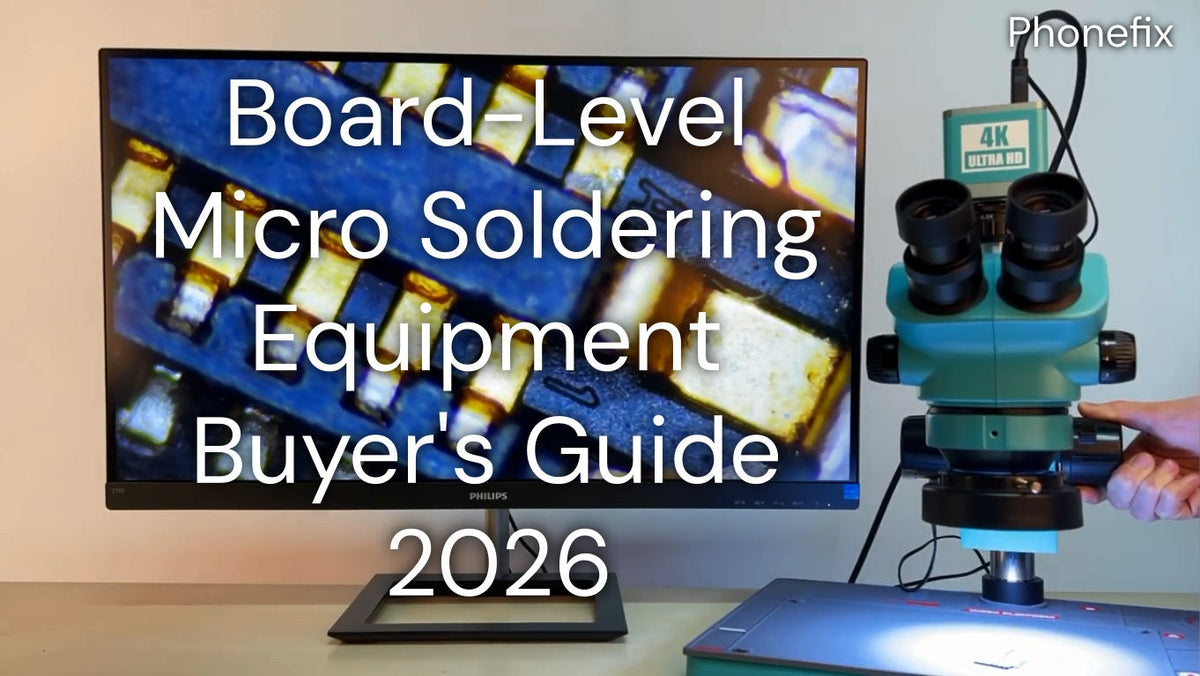
Micro soldering means working under a microscope on components too small to see reliably with the naked eye. The right tools can make the repair process much more efficient. In fact, the equipment list is shorter and more affordable than most technicians imagine. What really matters is buying in the right order and understanding what each tool actually does. This guide will cover the core capabilities every board-level workbench needs, with specific equipment recommendations and buying criteria.

I. Microscope: The Single Most Important Piece of Equipment
· A quality stereo microscope is the single most important piece of equipment in your setup. Cracked joints, cold solder, hairline corrosion, and lifted traces — none of it shows up to the naked eye.
· Look for a trinocular model with a 0.7x–4.5x zoom objective and a 0.5x barlow lens to increase your working distance — you need room to maneuver soldering iron and tweezer tips between the lens and the board. The barlow lens trades some magnification for working distance, which is critical when using a hot air station or iron close to the board. Without sufficient clearance, you'll constantly be refocusing or bumping the objective.
· For recording repairs or live instruction, a trinocular port accepts a camera independently without affecting the optical path to your eyes.
Key buying criteria:
· Magnification range: 0.7x–4.5x zoom objective with 0.5x barlow lens
· Design: Trinocular for camera integration
· Working distance: Sufficient clearance for iron and tweezers
· lllumination: High-quality LED ring light for uniform illumination and minimal shadows
II. Micro Soldering Station & Rework Station
Use separate soldering iron and hot air stations rather than an all-in-one combo — dedicated units deliver better thermal performance and longer service life.
1. Soldering Iron
· The soldering station is one of the most fundamental and critical tools in phone repair. The choice of station directly determines the efficiency and precision of the soldering process.
· Cartridge-style workstations integrate the heating element directly into the soldering tip, offering more precise temperature control and faster heat recovery — making them especially suitable for soldering tiny components. JBC irons heat almost instantly and maintain precise tip temperature under load, which minimizes thermal stress on surrounding components.
Temperature settings:
· Leaded solder: 600°F–650°F (316°C–343°C)
· Lead-free solder: 650°F–700°F (343°C–371°C)
Soldering tip selection: The ultra-fine conical tip is ideal for the precise soldering of tiny components, while the blade (knife) tip is frequently used for "drag soldering," allowing for the quick and efficient soldering of larger areas.
2. Hot Air Rework Station
· The purpose of a hot air rework station is to tackle the challenging tasks of removing or reballing BGA chips and connectors — specifically, doing so without causing damage to the surrounding components. Hot air temperature typically ranges from 100°C to 480°C, with combined units drawing between 320W and 1300W depending on class.
· Three safety features are non-negotiable: ESD-safe construction, auto sleep, and fail-safe airflow shutoff. Make sure the nozzle set includes sizes that fit iPhone and iPad connector footprints. Hot air rework stations often require the use of curved nozzles — these nozzles serve to concentrate the airflow, accurately directing heat to the specific area requiring component removal.

III. Consumables and Accessories
Certain basic consumables and accessories play a crucial role in the micro-soldering process.
1. Flux: Amtech VS-213-A-TF tacky flux is the current recommendation. The primary function of flux during soldering is to enhance solder flow, prevent oxidation of the solder joints, and facilitate heat transfer.
2. Solder: Kester 63/37 tin/lead solder at 0.031″ is the standard for board-level work. The 63/37 eutectic ratio means it transitions sharply from liquid to solid with no pasty phase — significantly reducing cold joints compared to non-eutectic formulas. For tight spaces and BGA reballing, Mechanic low-melt solder paste (melts at 138°C) makes chip removal and pad preparation much easier.
3. Tweezers: Tweezers must be non-magnetic and anti-static, capable of precisely grasping tiny components without causing damage.
4. Desoldering wick: Essential for removing old solder and cleaning solder pads. High-quality desoldering wick can quickly absorb excess solder, ensuring the pads remain clean and tidy.
5. Jumper wires: When a circuit on a motherboard is broken, it is often necessary to use extremely fine insulated jumper wires (0.01mm – 0.02mm) to repair it. Jumper wires are typically used to bypass damaged sections and restore circuit continuity.
6. BGA stencil: Used for re-balling BGA chips. Through a design featuring precisely sized apertures, the BGA stencil effectively facilitates the uniform distribution of solder balls across the underside of the chip.
IV. Diagnostic and Safety Tools
When performing micro-soldering on mobile phones, diagnostic and safety tools are equally important; they assist in troubleshooting issues during the repair process and protect sensitive components.
1. Digital Multimeter
· The digital multimeter is the most fundamental tool for circuit diagnostics. It enables us to measure various electrical properties — such as voltage, continuity, and resistance — making it an indispensable tool for diagnosing motherboard faults.
· Diode mode is the most-used function — it lets you compare board readings against known-good references to identify shorted or open components. Pair any multimeter with super-fine probe tips. Standard probes are too large to land reliably on 01005 pads and tight test points.
2. DC Power Supply
A DC power supply provides a stable current to the circuit board, aiding in the assessment of current consumption and the detection of short circuits. By connecting the power supply to the circuit board, one can monitor current fluctuations in real-time to determine the presence of any circuit-related issues.
3. Thermal Imaging
Thermal imaging cameras have become a common part of professional electronic repair tools. A shorted component will almost always heat up faster than other parts once the device is powered. With a QIANLI thermal camera, locating the problem becomes a visual identification task rather than hours of manual point-by-point testing.
4. ESD Protection
Mobile phone motherboards contain numerous sensitive chips, and electrostatic discharge (ESD) can cause irreversible damage. Therefore, ESD protection tools — such as grounding mats, wrist straps, and similar devices — are absolutely essential. The use of these tools effectively prevents electrostatic discharge from damaging the motherboard and its components.

V. PCB Holder and Workholding
A PCB holder keeps the board stable and at the correct angle while you work. The Mijing T22 is a favorite for iPhone logic boards — its dual-shaft locking holds the board firmly without flexing.
Key requirements:
· Rigid, non-slip clamping that won't shift under heat
· Anti-static construction to prevent ESD damage
· Adjustable positioning for different board sizes and angles
· Heat resistance to withstand repeated hot air exposure
In short, building a capable board-level workbench comes down to choosing the right phone repair tools and learning to use them well. Start with the essentials, and the rest will follow.


