

Repairing mobile phone motherboards is the industry's "number one problem", and countless repairmen and users are deeply trapped in it. Today, we will unravel the mystery, starting from the essence of the motherboard, analyze the common causes of failures, and teach you how to crack and repair them step by step.
What is a mobile phone motherboard?
The motherboard, also commonly referred to as the logic board or mainboard, is the heart of your smartphone, acting as the "brains" and central hub of the device. It is a complex printed circuit board (PCB) where all the key components are integrated and interconnected to enable the phone's functionality.

Common motherboard failure manifestations:
1. Unable to boot normally
The motherboard is not powered on, which is one of the most common problems in mobile phone repair. The symptoms are that the power button does not respond and the phone cannot be turned on. It is usually caused by damage to the power IC, poor contact of the battery interface, short circuit of the power line, etc. It is necessary to use a multimeter to check whether the main power path is normal to further confirm the fault point.

2. Frequent freezes or restarts or stuck logo
After the phone is turned on, it is stuck in the LOGO interface or restarts repeatedly, which is a system startup abnormality. This may be a cold soldering problem caused by damage to the system file, abnormal main control chip, memory flash failure or poor heating. Usually, you need to try to restore the system by flashing the machine first. If it doesn't work, further detect the hardware level problem.
3. Abnormal charging
There is no response when the charger is inserted, or the charging speed is abnormally slow, which is an abnormal charging function. This type of fault may be caused by damage to the charging IC, loose tail plug interface, power supply path disconnection or battery recognition failure. First, replace the charging cable to eliminate it, and then check the relevant voltage of the motherboard charging module.
4. No display or touch problem
When the phone is turned on, there is sound or vibration feedback, but the phone screen does not display. This is a no display fault. Common reasons include poor contact of the display cable, damage to the backlight circuit, failure of the display driver IC, or damage to the screen itself. When repairing, you should first check whether the power supply of the display part is normal, and then conduct step-by-step investigation.
5. Unstable network signal
Connection problems Wi-Fi, Bluetooth, or cellular connection problems usually stem from damage to the chip or circuit responsible for these functions on the motherboard.

6. No sound / abnormal audio
No sound during a call, the earpiece or speaker does not sound, or there is noise, poor sound quality, etc., which are mostly related to audio IC, circuit connection problems, or device aging. In some cases, solder joints may be poorly soldered due to water damage or falling. This can be determined by replacing the cable or measuring the audio channel voltage.
7. No signal / no baseband
The phone cannot search for the operator signal, cannot make a call, and displays "No service" or "Emergency calls only". It may be that the phone baseband IC is damaged, the RF circuit is faulty, or the antenna interface is loose. This type of problem usually requires a focus on checking the baseband power supply, signal amplification module, and related solder joints.
8. Motherboard overheating
If the phone becomes abnormally hot during use or standby, or even hot to the touch, it may be caused by an internal short circuit in the motherboard, abnormal operation of the CPU or power management chip (PMU). Some overheating problems are also accompanied by automatic shutdown or rapid drop in power. During the inspection, it is necessary to focus on the heating area and check whether there is a large current short circuit.
9. Unable to flash/unable to identify the device
The phone cannot be recognized when connected to the computer, or there are interruptions, freezes, or stuck in the startup interface during the flashing process. Common causes include damage to the USB interface, abnormal motherboard control chip, damage to the NAND flash memory, or damage to the system boot area. It is necessary to replace the tail plug component or use professional tools to force the phone into the flashing mode for repair.

10. Water damage/liquid ingress problem
Although the phone can still be turned on after being soaked in water, it will have a variety of faults such as irregular restarts, touch failure, abnormal signals, and unstable current, and the impact range is often large. When moisture enters the motherboard, it is easy to corrode the solder joints or cause a short circuit. The device needs to be disassembled and cleaned, dried, and the function of the components in the affected area should be checked in time.
11. Camera failure
The camera cannot start, the screen is black, flashes back, is blurred, or cannot focus. This may be caused by damage to the camera module, loose motherboard interface, or abnormal image processing chip. You can try to replace the camera module, clean the interface, or measure the relevant power supply voltage to confirm whether it is a motherboard problem.
12. Fast power consumption
The mobile phone battery consumes abnormally quickly, and it runs out of power quickly even in standby mode. In addition to battery aging, motherboard leakage is also a common cause.
13. Some inadvertent actions:
Drop/impact: Severe impact on the phone may cause the components on the motherboard to loosen, desolder, or directly damage.
Overcharging or using unqualified chargers: This may cause the motherboard charging control circuit to overload or damage.
System software problems or flashing failure: Although in most cases it can be repaired by flashing, serious software problems or improper flashing may also cause the motherboard to not work properly.
Component aging: After long-term use, the components on the motherboard may naturally age, resulting in performance degradation or failure.
Improper repair: Disassembly or repair operations by non-professionals may cause secondary damage to the motherboard.

How to fix mobile phone motherboard?
1. Diagnosis is Key:
Initial Assessment: Before any repair, the technician will thoroughly assess the phone's symptoms (e.g., no power, no Wi-Fi, no charging, etc.).
Visual Inspection: Using a streo microscope, they'll look for any obvious physical damage like corrosion (from liquid damage), burnt components, missing components, or cracked solder joints.
Multimeter Testing (Cold Testing): With the power off, a multimeter is used to check for short circuits, continuity, and resistance values across various test points and components on the board. This helps identify faulty circuits or components that are shorting out.
DC Power Supply Analysis (Hot Testing): The motherboard is connected to a DC power supply to monitor current draw when powered on. Abnormal current draws (too high, too low, or fluctuating) can pinpoint areas of concern or specific chip failures.

Thermal Imaging (Optional but helpful): A thermal camera can detect overheating components, which often indicate a short circuit or a malfunctioning IC.
Schematic Diagrams: Experienced technicians often use detailed circuit diagrams schematics for the specific phone model to understand the connections and expected values, helping them trace faults.
2. Identify the faulty component:
When identifying the faulty component, the technician will use the diagnostic results to lock the problem to a specific integrated circuit (IC), capacitor, resistor or other small component. Common sources of failure include: Power management IC (PMIC), which often causes problems such as not turning on, not charging or fast battery drain; audio IC failure can cause no sound or microphone abnormality; Wi-Fi/Bluetooth IC damage can cause network connection problems; baseband IC problems can affect mobile phone signal reception; NAND (storage) or RAM failures may cause power-on cycles or storage-related errors; if the screen itself is ruled out, the display/touch IC may be the culprit for the screen display or touch failure.
3. Repair process (micro-soldering):
The micro-soldering repair process is the core link of mobile phone motherboard repair, which is highly dependent on professional technology and tool operation. In the component removal stage, the hot air rework station plays a key role. It heats the surrounding area of the faulty component through precise temperature control to melt the solder without damaging other components, and then carefully removes it with precision tweezers; for small components or special cases, a fine-tipped soldering iron is also used to assist in disassembly.

After the component is removed, it is crucial to clean the motherboard pad. It is necessary to use a wick, solder paste and soldering iron to carefully remove the residual solder to create a flat and clean welding surface. Finally, use isopropyl alcohol and a soft brush for deep cleaning to prepare for the installation of new components. When installing, the new component must be accurately aligned with the cleaned pad.
In the welding and ball planting process, small components can be directly coated with solder paste, and then heated with a hot air gun to complete the welding; for large chips such as CPU and NAND that use ball grid array (BGA) packaging, if the solder joints are damaged, "ball planting" processing is required: first remove the old solder balls, make new solder balls through templates and special solder paste, heat and form them, and then stick the chip with the ball planted back to the motherboard and heat it again to achieve a stable connection. In addition, flux must be used throughout the welding process to promote solder flow and prevent oxidation to ensure welding quality.

4. Testing and Quality Control:
After the repair, the motherboard is thoroughly re-tested using the same diagnostic steps as before to confirm the issue is resolved and no new problems have been introduced. The phone is reassembled, and all functions (charging, Wi-Fi, camera, sound, etc.) are tested to ensure full functionality.
Essential Tools for Motherboard Repair:
Tool preparation is key to repairing the motherboard of a mobile phone. First, a precision screwdriver set is required to disassemble the phone, and a crowbar can be used to safely open the shell; to avoid static electricity damaging components, anti-static mats and wrist straps are essential. Observing tiny components and solder joints, a magnifying glass or stereo microscope is a good helper, a digital multimeter is used for electrical testing, and a DC power supply can diagnose power problems and power the circuit board.
Welding and desoldering tools are also indispensable. A hot air rework station can disassemble and replace surface mount components and integrated circuits. A temperature-controlled soldering iron is responsible for fine welding operations. At the same time, consumables such as solder wire, solder paste, and flux should be prepared. A tin suction wire or tin suction pump is used to clean up excess solder.

In addition, precision tweezers are convenient for gripping tiny components, and PCB brackets can fix the motherboard for easy operation; after the repair is completed, the motherboard is cleaned with isopropyl alcohol and a soft brush. If advanced BGA repairs are involved, a BGA ball planting kit is also required, which includes templates, solder balls, reballing stencils and other tools.
Important Considerations:
Data Recovery: If the goal is data recovery from a severely damaged motherboard, specialized techniques might be employed, sometimes involving "board swaps" (moving the storage chip to a working motherboard).
Cost vs. Replacement: Motherboard repairs can be expensive due to the skill and time involved. Sometimes, replacing the entire phone or motherboard is more cost-effective, especially for older or lower-value devices.
Professional Expertise: Given the microscopic nature of components and the intricate circuitry, professional training and significant practice are required to perform successful motherboard repairs. If you're not experienced, it's always best to take your phone to a reputable repair shop that specializes in microsoldering.
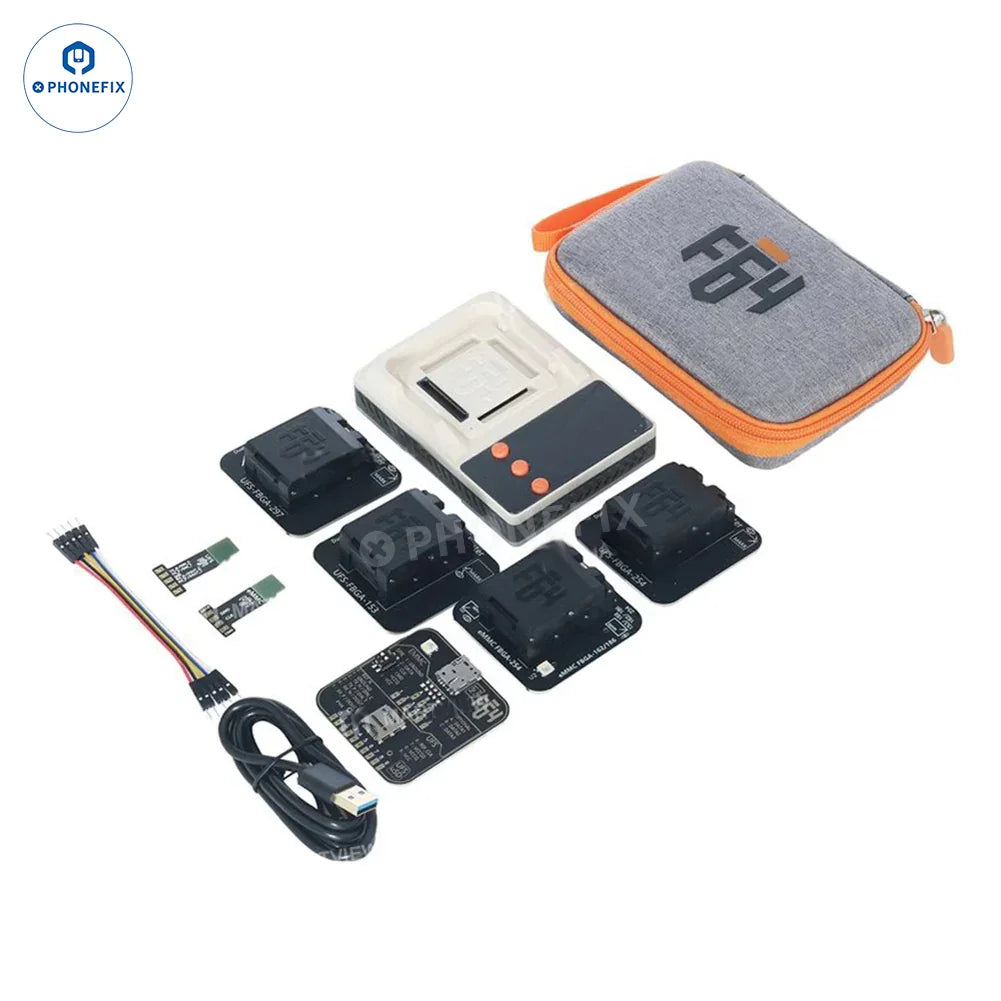
Repairing a mobile phone motherboard is not as difficult as you think! If you really like this business, don't worry if you lack tools. Phonefix's tool kit is very complete, including motherboard test fixture, soldering stations, hot air guns, microscopes, etc. They are all precision tools specially designed for repairing motherboards, and can handle both Apple and Android motherboards. Don't let the tools hold you back from repairing, go ahead now and turn your passion into real skills.



3 comments
DÉNIS Akim
C’est très intéressant je vous remercie
Robi Sabar
Techno Spark 7 motherboard online delivery
Robi Sabar
Techno Spark 7 motherboard online delivery