
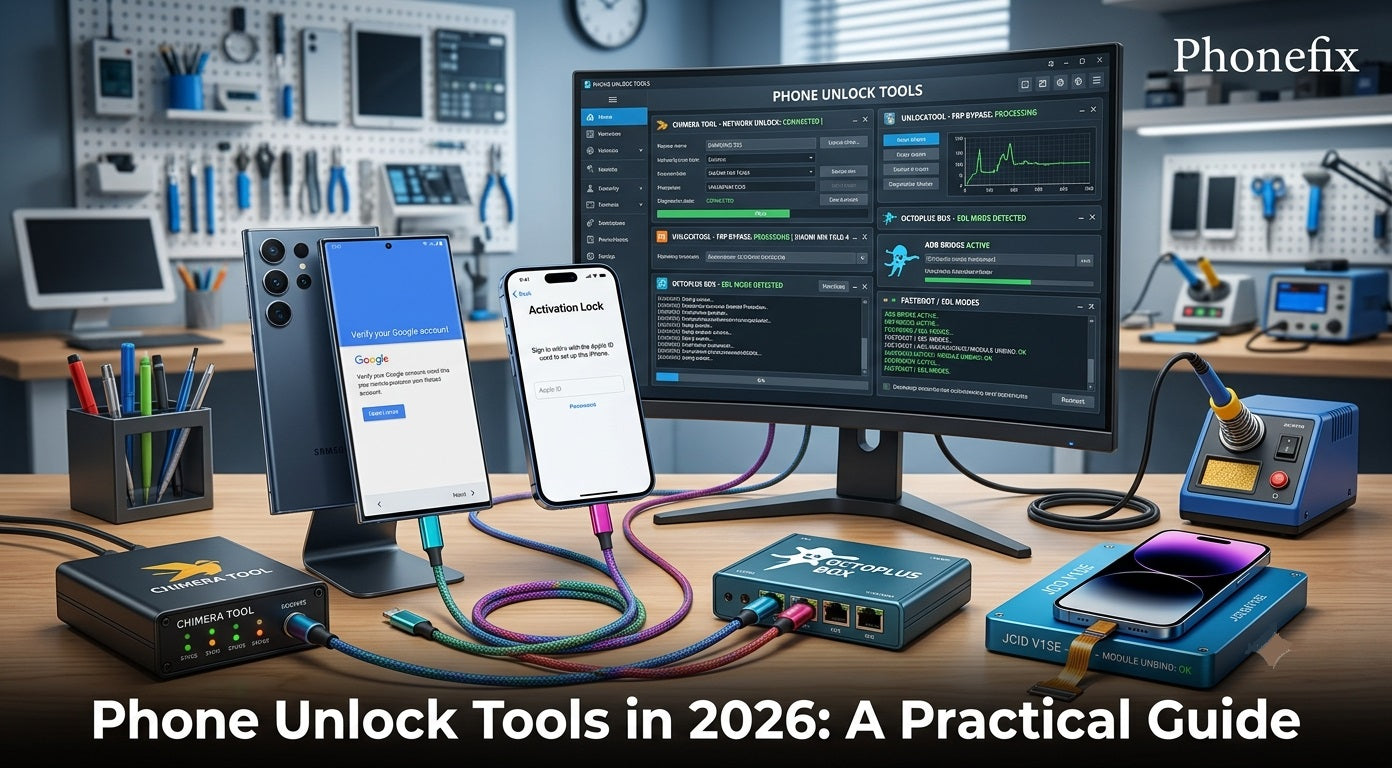
A smartphone becomes a brick when its screen locks and the password slips from memory. Another device sits useless after a factory reset, demanding a Google account that no one remembers. These situations happen every day, and they send people searching for phone unlock tools. This guide explains what these tools actually do, how they work, which ones deliver results in 2026, and where they fall short.

I. What Users Actually Face
People search for unlock tools for three main reasons. Understanding which category a problem falls into determines whether a tool can help at all.
· Screen lock recovery tops the list. A user sets a PIN, pattern, or password and then forgets it. Multiple failed attempts disable the device entirely. While users want access without losing data, modern hardware encryption (FBE) makes lock bypass without a factory reset—and total data loss—nearly impossible on current OS versions.
· FRP bypass comes second. Google's Factory Reset Protection activates automatically when someone resets an Android device that was previously linked to a Google account. The phone then asks for the original account credentials during setup. This anti‑theft feature works as designed—but it also locks out legitimate users who forgot their password or bought a used device.
· Carrier unlock confusion creates the third category. Some users mistakenly believe a "phone unlock tool" lets them switch networks freely. That is a completely different process requiring IMEI‑based carrier authorization, not screen or FRP tools.
No legitimate tool works entirely online, without a computer, or without physical access to the device. Free browser‑based "unlock tools" that promise instant results are scams, malware vectors, or phishing pages.
II. How Unlock Tools Actually Work
Desktop‑based unlock tools use three technical pathways. Each one has its own limits.
· ADB‑based removal works only if you enabled USB debugging before the lock occurred. ADB means Android Debug Bridge. The tool uses ADB commands to delete the gesture.key or password.key file from the system partition. This method keeps your data, but it only works on older Android versions. Newer versions block ADB access while the screen is locked.
· Fastboot and EDL mode exploitation targets devices with Qualcomm Snapdragon or MediaTek chips. EDL stands for Emergency Download Mode. Tools guide users into EDL or Fastboot mode using specific button combinations. Once in EDL, the tool flashes a signed firmware package. This can disable FRP or replace the lock screen binary. But incorrect flashing permanently bricks the device. Many recent Samsung and Xiaomi models block EDL access through hardware fuses or bootloader locks. This method demands technical skill and is not for beginners.
· OEM‑specific exploits use known manufacturer behaviors. For example, entering special codes in Samsung's emergency dialer, or abusing downgrade paths on older Huawei devices. OS updates patch these loopholes quickly. They rarely survive more than one or two Android versions. So they are not reliable long‑term solutions.

III. What Technicians Actually Use in 2026
Professional technicians use specialized tools. Each tool supports different brands and chipsets.
1. Chimera Tool supports MTK, Qualcomm, and Exynos chips. It flashes firmware, unlocks networks for Samsung and Huawei, bypasses FRP, and unlocks bootloaders. Chimera covers over 3,000 models and receives regular updates. Its Remove Knoxguard solution works up to the January 2026 security update. The tool also unlocks bootloaders for Oppo Qualcomm devices.
2. UnlockTool focuses on Samsung and Xiaomi. It removes FRP locks, performs factory resets, reads device data, and flashes firmware. A February 2026 update added Custom DA support for devices running Android 15. Its main functions include factory reset, FRP erase, readback, flash, and MiCloud reset for Xiaomi models.
3. JCID programmers serve the iPhone repair market. The JC V1SE reads and writes data from screens, batteries, and biometric modules. This makes replacement parts recognizable as original by iOS. The JCID P15 programmer handles NAND memory chip operations for iPhones. These are hardware tools for advanced technicians.
4. Octoplus Box offers FRP reset for Samsung devices – Qualcomm models via EDL Mode, MediaTek models via test point. It also bypasses MDM locks for Infinix, Tecno, Itel, Motorola, Oppo, Realme, OnePlus, and Xiaomi.
5. Meanwhile, iOS technicians have access to automated tools like the B4 PICO DFU Tool for handling A12/A13 devices at the BootROM level.
6. Other tools fill specific needs. Dr.Fone provides online FRP removal for Samsung and a desktop application for over 27 brands. TunesKit Android Unlocker removes screen locks and bypasses Google FRP. Pricing ranges from $29.95 for a monthly license to $59.95 for lifetime access. Free tools like SamFw FRP Tool support Samsung devices on Android 14 and 15, but they require a more complex setup.
IV. How Tools Solve Real Problems
Different repair situations call for different tools. Here are five common scenarios.
1. Samsung phone with FRP lock after a reset. The customer reset the device but forgot the Google password. The phone asks for the previous account credentials. The technician connects the phone to UnlockTool, selects FRP removal, and follows the on‑screen steps. The tool removes the lock and reboots the device. The phone now accepts a new Google account. For newer Samsung models running Android 14 or 15, Dr.Fone's online FRP service offers an IMEI‑based alternative.
2. iPhone with Activation Lock (Apple ID lock). A customer bought a used iPhone tied to an active iCloud account. Software alone cannot permanently remove this lock. JCID programmers repair component serials (screens, batteries, NAND) but cannot bypass iCloud locks. Unlocking requires official proof of purchase, hardware exploits on older chips, or remote removal by the previous owner via iCloud.com.
3. Carrier-locked Android phone. A customer needs to switch networks on a carrier-restricted phone. The technician uses Chimera Tool’s network unlock feature. Instead of querying carrier servers, the tool patches system security partitions (like NVData/EFS) via baseband exploits to eliminate the restriction. The phone then accepts any compatible SIM.
4. Bootloader lock blocking a custom ROM. An advanced user wants to install a custom operating system. The bootloader rejects the unsigned system image. Some manufacturers provide official unlock procedures. Others need third‑party tools. Chimera and UnlockTool both offer bootloader unlock. The technician enables USB debugging, connects the device, and runs the unlock command. The bootloader then accepts custom system images.
5. MDM‑locked device. The screen shows a white or black screen with a management lock. MDM stands for Mobile Device Management. Octoplus FRP Tool v.2.9.0 added bypass MDM support for Infinix, Tecno, Itel, Motorola, Oppo, Realme, OnePlus, and Xiaomi. The technician selects the brand and runs the bypass. The device restores normal operation.

Whether you are removing FRP on a Samsung, bypassing Apple ID on an iPhone, or unlocking carrier restrictions on an Android device, the principle stays the same: identify the lock, understand its mechanism, select the correct tool, and execute the procedure carefully. The Phone Unlocking Tools available today make these operations faster and more reliable than ever. Technicians who master them stay ahead in a competitive field.


